On this page
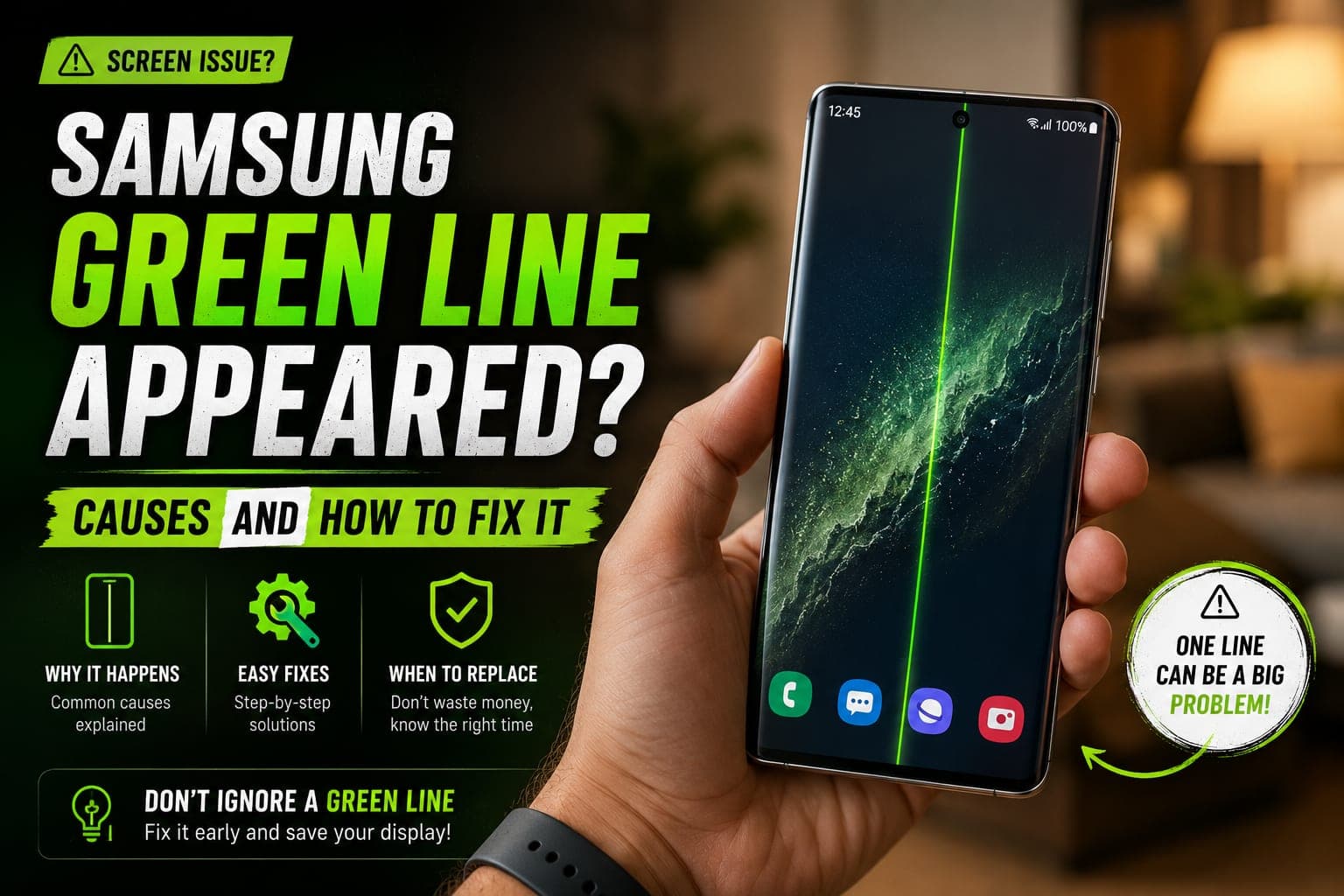
A green line on a Samsung display — a thin, bright vertical stripe that appears out of nowhere — is one of the most searched Galaxy faults of recent years. It often shows up a day or two after a software update, which makes it look like a bug Samsung could patch. It is not. The line comes from the AMOLED panel or the ribbon connecting it to the board, and the realistic fix is a screen replacement. This guide covers what the green (or pink) line actually is, which models report it most, what to try first, how to check whether Samsung will cover it, and what a pickup and drop Samsung display replacement in Bangalore involves.
What the green (or pink) line actually is
An AMOLED screen lights each pixel individually, and every column of pixels is driven through a display driver chip and a thin flexible ribbon bonded to the edge of the panel. When one of those connections fails — a hairline crack in the bond, a lifted trace, a damaged driver — the column tied to it is stuck permanently on. Green is the usual colour because green sub-pixels are the brightest; when red and blue columns fail together, you see a pink line on the Samsung screen instead. Either way it is a physical break, which is why no reset or update can remove it.
So why does a Samsung screen show a green line after an update? The update does not draw the line, but it can be the final push. A major One UI update keeps the phone hot for a long stretch while it installs and re-optimises apps, and it can change how the panel is driven. A flex bond already weakened by a small drop, a year of heat cycles or pressure from a tight case gives way under that extra load. The timing is real; the cause is still hardware.
The green line is not a software bug
A Samsung green line issue lives in the display panel or its flex connection. Factory resets and firmware flashes will not remove it, and the line tends to widen or multiply over time. Quick proof: take a screenshot — if the line is not in the image, the phone is rendering correctly and the panel is what is faulty.
Which Galaxy models report it most
The green line has appeared across a wide spread of Samsung phones, but a few families come up repeatedly in technician reports and user forums. These are the models on which it is commonly reported — not a complete list, and no guarantee that a phone outside it is immune:
- Galaxy S20, S20+, S20 Ultra and S20 FE — among the earliest and most widely discussed cases.
- Galaxy S21, S21+ and S21 Ultra — frequently reported following One UI updates.
- Galaxy S22 and S23 series — including the Samsung S23 Ultra green line reports that spiked after later firmware releases.
- Galaxy S24 series — fewer reports so far, but cases exist, especially on phones that have taken a knock.
- Galaxy Note 20 and Note 20 Ultra, plus older Note 10 and S10 units now several years into service.
- Galaxy A-series — notably the A52, A53, A54, A71 and A73, which all use AMOLED panels.
If other symptoms have arrived alongside the line — flicker, dead touch zones, fast drain — our roundup of common Samsung Galaxy problems explains how each is diagnosed.
Things to try first (and why they rarely work)
Spend five minutes ruling out the unlikely software causes before booking anything — they give you a clear answer on whether the line is hardware.
- Restart the phone. A stuck display driver occasionally clears on a cold boot — if the line vanishes, keep watching, because it usually returns.
- Boot into Safe Mode. Long-press Power off on the shutdown screen until Safe Mode appears. If the line is still there with every third-party app disabled, software is not the cause.
- Install any pending update. Settings > Software update. On the rare occasion a firmware release mis-drives the panel, the next patch corrects it — but do not expect it to fix an established line.
- Take a screenshot. If the line is absent from the image in Gallery, the panel is at fault.
- Remove pressure and heat. Take off a tight case, and stop using the phone while it is hot from charging or gaming. Both make a marginal flex bond worse.
Be realistic: in the great majority of cases the line survives every step above. That confirms a physical fault, and the honest advice is to stop chasing software fixes and deal with the panel.
Is it covered? Check with Samsung first
Samsung has, at various times, offered a free panel replacement in India for specific Galaxy models where the green line appeared after an update — usually limited to a window of time after that update, to phones with no physical damage, and to a defined list of models. Because those programmes change, we cannot tell you whether your phone qualifies today. What we can say is: check with Samsung whether your model is covered before deciding anything. Raise a request through the Samsung Members app or a Samsung service centre, with your model number and the date the line appeared.
If Samsung confirms coverage, take it. If your phone is outside the eligible models or window, has a drop mark, or you would rather not visit a service centre, a pickup and drop display replacement is the practical alternative.
Samsung's green-line programme in India: where it stands in 2026
Samsung India's green-line panel programme ran in several windows. The last one widely reported covered the Galaxy S23 series until 31 December 2025, with conditions such as the phone being within three years of purchase and without physical or water damage; earlier windows for the S20, S21 and S22 models closed before that. We have not seen any extension into 2026, so for most owners of an S20 to S23 the programme has ended. It is still worth asking Samsung with your model and purchase date, but plan on the assumption that the panel will be your own repair.
Not a Samsung? If you see a green line on a OnePlus screen, check OnePlus first: OnePlus India announced a lifetime warranty against the green line on its phones. A green line on any other phone screen is the same kind of panel fault described above, and the same screenshot test tells you whether it is hardware.
Green line after the One UI 9 update
One UI 9, based on Android 17, began reaching Galaxy phones in India at the end of September 2026: the Galaxy S26 series first, the S25 series in early October and the S24 from around 12 October, with other models to follow. Each big One UI release brings a fresh wave of searches for a green line after a software update on Samsung phones, and the explanation has not changed — the long, warm install can be the final push for a panel bond that was already weak, but the line itself is hardware.
- Before you update an older Galaxy: back up first, take the case off and let the phone install on a cool surface, not under a pillow or while gaming.
- If the line appears after the update: restart once, take a screenshot and check it in Gallery. A line that survives the restart and is missing from the screenshot is the panel.
- Do not roll back or flash firmware to chase it. Neither removes a hardware line, and a failed flash adds a software problem on top.
- Note the date and the update version (Settings > About phone > Software information) in case you raise it with Samsung.
If the panel needs changing, book the display for your model — for example the Galaxy S23 original display, Galaxy S22 Ultra original display or Galaxy S25 Ultra original display — doorstep or pickup, depending on the repair.
When the display must be replaced
The panel needs replacing once the line has passed the checks above — it survives a restart and Safe Mode, and it is missing from a screenshot. A few further signs mean you should not wait:
- The line is getting wider, or a second line has appeared.
- Touch has stopped responding in a strip near the line.
- The screen flickers, dims on one side, or shows a pink or green wash across a region.
- The line arrived after a drop, and the glass near the edge shows a chip or crack.
On a modern Galaxy the glass, touch layer and AMOLED panel are bonded into one assembly, so a Samsung display replacement means fitting a complete new display unit, not just a new ribbon. It also clears any burn-in, dead pixels or edge discolouration the old panel had picked up.
Original-grade vs compatible AMOLED for S-series
This is the decision that matters most on an S-series or Note. The flagship panel is not just a screen: the ultrasonic fingerprint sensor sits under the display, and it runs at an adaptive 120 Hz refresh rate with curved-edge geometry. An original-grade AMOLED keeps all of that. A compatible (aftermarket) panel may cap refresh at 60 Hz, lose the under-display fingerprint sensor entirely, sit slightly proud of the frame on curved models, or render colours cooler and dimmer.
For an S-series or Note, insist on an original-grade panel so the phone works the way it did on day one. On some A-series models — flat panel, 60 or 90 Hz, no under-display fingerprint — a good compatible AMOLED can be reasonable. The full trade-off is in our guide to genuine vs compatible displays.
Galaxy S23 Ultra / S24 Ultra green line
The two Ultras carry the most feature-dense panels Samsung makes: 6.8-inch QHD+ AMOLED, 1–120 Hz adaptive refresh, an ultrasonic fingerprint sensor and S Pen support. A compatible panel on either phone is a real downgrade, so we fit original-grade displays for both. See the Galaxy S23 Ultra original display replacement and Galaxy S24 Ultra original display replacement pages, or browse every model on our Samsung repair services page.
How a pickup and drop display replacement works — and how long it takes
You do not need to visit a service centre. With Fixkart, you tell us the model and the fault — say, Galaxy S23 Ultra, green line on display — and we collect the phone from your home or office in Bangalore; a trained technician fits the right panel for that exact model on our bench. Here is what happens:
- Inspection. The technician confirms the line is the panel and checks the phone powers, charges and reads the fingerprint before work starts.
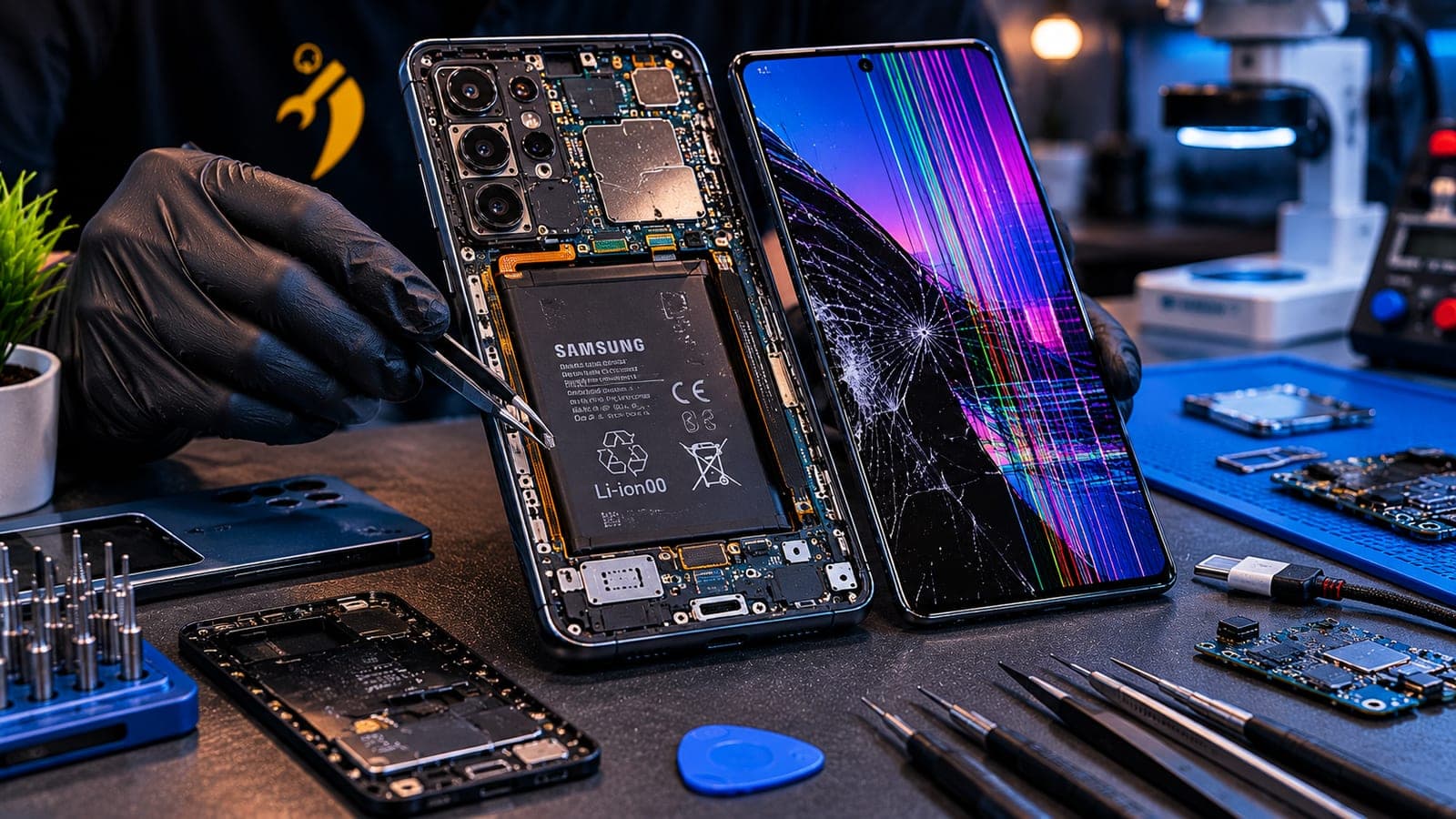
- Panel removal. The old display is warmed to soften the adhesive, separated from the frame, and its flex ribbons disconnected.
- Fitting the new AMOLED. The new unit is connected and seated with fresh adhesive so the edges sit flush — especially important on curved S-series models.
- Calibration and testing. Touch, refresh rate, brightness, the under-display fingerprint sensor and, on Ultras, the S Pen are tested before the phone comes back to you.
The technician confirms the timeline with your quote, and the phone is usable the moment it is handed back. Your data, apps and settings are untouched.
Pickup and drop Samsung display replacement across Bangalore
Fixkart replaces Samsung AMOLED displays on pickup and drop across Bangalore — from Koramangala and Indiranagar to HSR Layout, Whitefield and Electronic City. Every panel we fit is backed by a warranty covering the display and the workmanship (the length is shown on each repair page). Read about our Samsung repair service in Bangalore, see all the areas we cover in Bangalore, or get in touch to book a slot. Not a Samsung? Faulty screens on any brand go through our screen repair page.
Tip
Back up to Samsung Cloud or Google before the technician arrives. A display swap never touches your data, but a fresh backup is smart insurance — and you can track your repair right up to the technician's arrival.
How to stop the line getting worse
While you wait on Samsung's answer or a booking, a few habits slow the spread and protect the rest of the panel:
- Keep the phone cool. No gaming or video calls while charging, and never leave it on a car dashboard.
- Avoid pressure on the screen. Swap a tight or rigid case for a soft one, and keep the phone out of back pockets.
- Skip fast wireless chargers for now. They run the panel and frame hotter than a cable — use a standard wired charger until the display is replaced.
- Turn brightness down and use dark mode to lower the panel's thermal load.
- Back up today. A panel that fails outright can leave you unable to unlock the phone.
Frequently asked questions
The green line is a hardware fault in the AMOLED panel or the flex ribbon that connects it to the board. A failed connection locks one column of pixels permanently on, and green shows because the green sub-pixels are the brightest. It often appears after a software update because the heat and changed panel behaviour of a big update can finish off a bond that was already weak — but the cause is physical, not the software.
Book this repair
Pick your model to see what the repair involves and book a technician.
Fixkart Service Team
Certified Repair Technicians
The Fixkart Service Team is a group of background-verified, certified technicians who carry out doorstep phone, laptop, tablet and smartwatch repairs across Bangalore every day. Our guides are written from hands-on workshop experience and reviewed by senior technicians before publishing.