On this page
Dropped your phone in water? The first 10 minutes decide whether it survives. Power it off straight away and do not plug it in to charge — most water damage is actually short-circuit damage, and that only happens while the phone has power running through it. Then dry the outside, keep the phone upright, and get it to a technician quickly, because corrosion inside the phone can begin within hours. This guide walks through exactly what to do, and the popular tricks that quietly make things worse.
The first 10 minutes: a step-by-step response
Move calmly but quickly. The goal is simple — cut the power, get the phone out of the water, and stop liquid from spreading deeper inside. Follow these steps in order:
- Take the phone out of the water and power it off. If it is already off, leave it off. Do not check whether it still works — switching it on sends current through wet components.
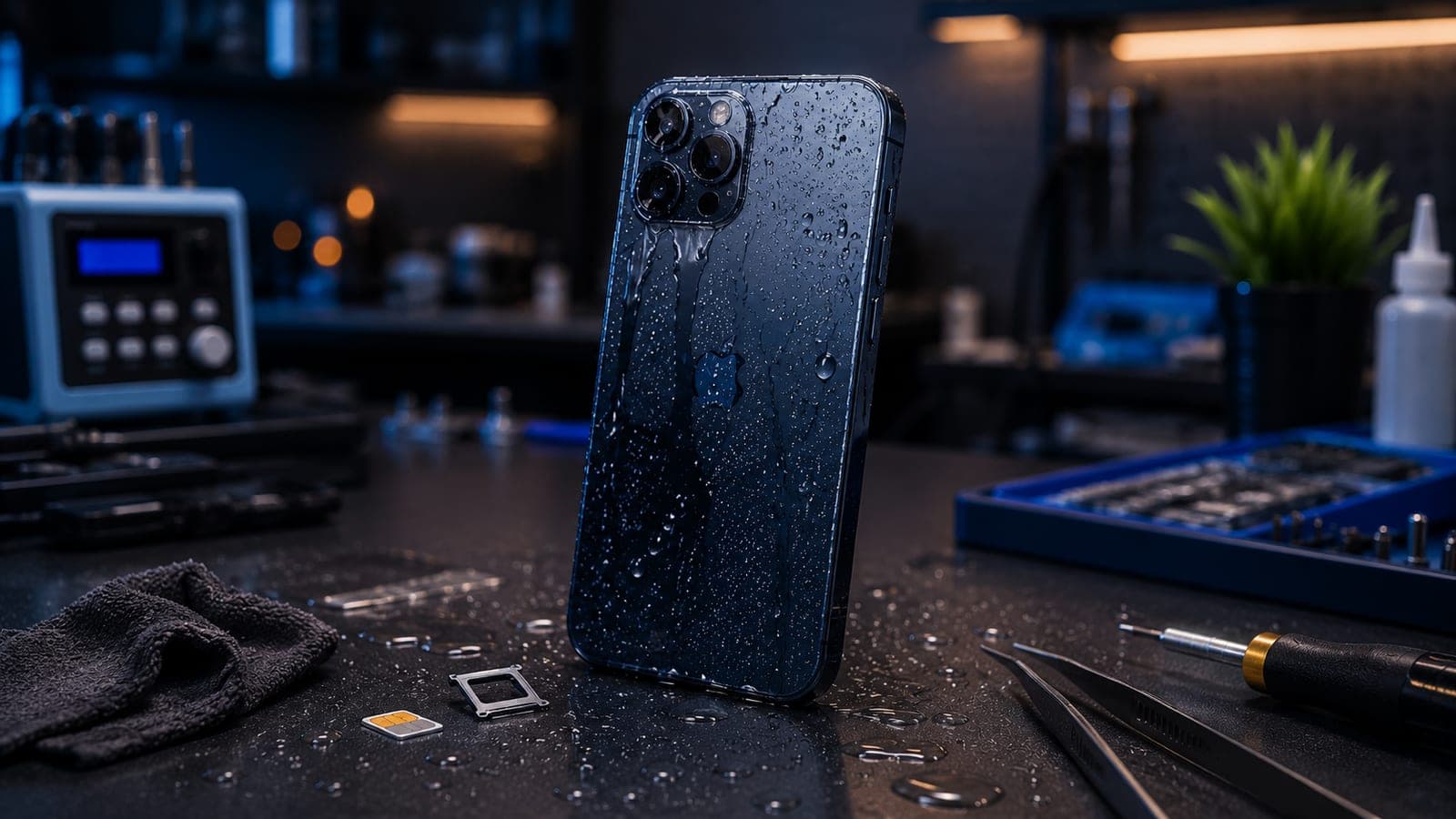
- Remove the case, and pull out the SIM tray. This opens a drainage path and lets trapped water escape instead of pooling against the board.
- Wipe the entire phone dry with a soft, lint-free cloth. Pay attention to the charging port, speaker grilles and the gap around the buttons.
- Stand the phone upright and slightly tilted, charging port facing down, so gravity pulls remaining water away from the screen and camera.
- Do not press the buttons repeatedly. Working the power or volume buttons pumps water further into the phone.
- Get it to a technician as soon as you can. Professional drying and cleaning within a few hours gives the best possible outcome.
Never charge a wet phone
Plugging in a phone that still has moisture in the charging port is the fastest way to kill the board. If your phone shows a liquid-detected or moisture warning when you connect a cable, take it seriously and stop. Do not charge it until a technician confirms the inside is fully dry.
Why charging and pressing buttons make it worse
Phones are surprisingly water-resistant on the outside, but the damage that matters happens on the inside. Pure water does not destroy electronics on its own — the harm comes from two things. First, electricity flowing through wet circuits causes short circuits that burn out components instantly. That is why powering off and not charging is the single most important rule. Second, corrosion: tap water, pool water, sea water and especially dirty monsoon water leave minerals and salts behind, and those slowly eat at the tiny solder joints and connectors long after the phone looks dry. This is why the clock starts ticking the moment your phone gets wet.
Why the rice trick does not work
Burying a wet phone in a bag of rice is the most repeated piece of advice — and one of the least effective. Rice does pull a little moisture from the surrounding air, but it cannot reach water sealed deep inside a phone. By the time rice draws out any meaningful moisture, corrosion has already had hours to set in. Worse, rice dust and starch settle into the charging port, speaker mesh and SIM slot, leaving grit behind that a technician then has to clean out. Hair dryers are no better — hot air can warp adhesive, push moisture deeper, and damage the battery or display. Leaving the phone in a warm, dry, well-ventilated spot is fine for the surface, but it is not a substitute for opening the phone and cleaning it properly.
- Rice — too slow to beat corrosion, and leaves dust and starch in the ports.
- Hair dryer hot air — can warp adhesives, overheat the battery and force water deeper inside.
- Direct sunlight or an oven — heat damages the battery and display long before it dries the inside.
- Shaking the phone hard — spreads water across components that were still dry.
Why professional drying beats any home method
A proper liquid-damage service is nothing like leaving a phone on a windowsill. A technician opens the device, removes the battery to cut all power, and cleans every board, connector and port — usually with isopropyl alcohol, which lifts water and mineral residue without leaving anything behind. Boards are dried thoroughly and corrosion is removed before it can spread. Done early, this often saves a phone that would otherwise have failed days later when hidden corrosion finally bridged a connection. The sooner the phone is opened and cleaned, the more of it can be saved — which is the whole reason speed matters more than any home trick.
What water-damage repair costs — and why it varies
There is no honest fixed price for liquid damage, because water does not stop at one part. A quick clean-up on a phone caught early can be inexpensive, while a phone where water reached the display, the camera or the logic board can run into a much wider estimate range. The only way to know is a diagnosis first — opening the phone to see exactly what the water touched. Fixkart's free diagnosis does precisely that: a technician inspects the phone, explains what is affected, and gives you a clear quote before any work starts, so there are no surprises. You can see the device repairs we cover and read how our 1-year repair warranty applies once the phone is working again.
Tip
Bangalore's monsoon is the busiest season for water-damaged phones — pockets, scooter rides and sudden downpours all add up. Our guide to protecting your phone during the Bangalore monsoon covers how to avoid the problem in the first place.
Doorstep water-damage help across Bangalore
Because speed is everything with liquid damage, you should not lose half a day travelling to a service centre. Fixkart sends a certified, background-verified technician to your home or office across Bangalore — from Koramangala and Indiranagar to HSR Layout and Whitefield. You get a free diagnosis, a clear quote, and you pay only after the repair. If your phone is also throwing odd glitches after a soaking, our roundup of common iPhone problems may help you describe the symptoms. To book a slot or ask a question, just contact Fixkart, and you can track your repair once it is under way.
Frequently asked questions
No. Rice is too slow to stop corrosion that starts inside the phone within hours, and rice dust and starch settle into the charging port and speakers. It is better to power the phone off, dry the outside, keep it upright, and get it to a technician quickly for proper cleaning.
Fixkart Service Team
Certified Repair Technicians
The Fixkart Service Team is a group of background-verified, certified technicians who carry out doorstep phone, laptop, tablet and smartwatch repairs across Bangalore every day. Our guides are written from hands-on workshop experience and reviewed by senior technicians before publishing.