
Apple · Laptop · Bangalore
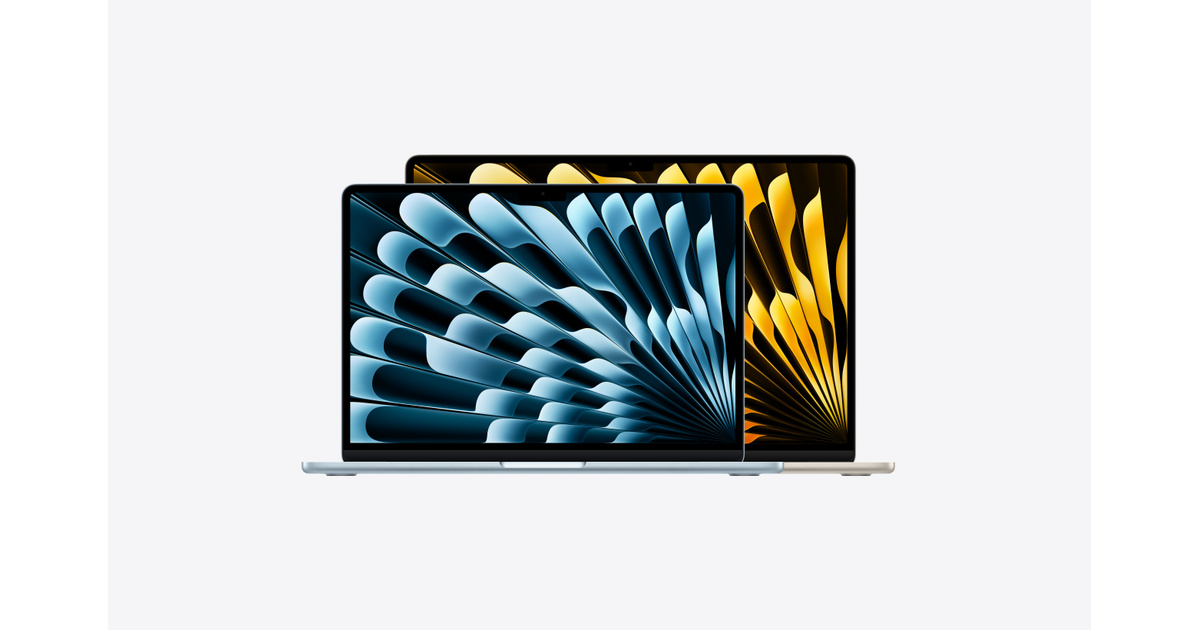

Apple · MacBook Air 13" M4 A3240
Your repair is selected. Add your contact details and we’ll help you with the next step.
25,000+ customers since 2015
Why customers trust Fixkart
10+ Years
In the repair business
Fixkart Verified
Background-verified technicians
Pay After Repair
UPI, cash or card
A MacBook Air 13" M4 A3240 macOS installation repairs or reinstalls macOS through macOS Recovery when the Mac will not start up properly, is stuck on the Apple logo, or needs a clean install.
Guide: MacBook Problems by Model Year: Keyboard, Battery & Screen
Guide: MacBook Not Turning On: Causes and Troubleshooting Steps
Free visit & quote
Diagnosis charge only if you decline the repair
Free pickup & drop
Collected & returned in Bangalore
Genuine parts
Brand-matched & quality-tested
6 months warranty
On parts and labour
Apple lists macOS 27 for the M4 Air. To start from Recovery, shut it down, hold Touch ID until ‘Loading startup options’ appears, then choose Options. If the installer asks where to install, Apple says to pick Macintosh HD rather than Macintosh HD – Data.
Most reinstall jobs on a Mac this new follow a failed update, a beta that went wrong, or a clean-install request before resale. The technician backs up first where possible, reinstalls or erases as you choose, and leaves the setup assistant at its first screen if the Mac is going to a new owner, as Apple recommends.
If you notice any of the following with your Apple MacBook Air 13" M4 A3240, book a free visit — catching it early keeps the repair simple.
Every MacBook has macOS Recovery built in, with Disk Utility, a macOS installer and Time Machine restore. On Apple silicon you reach it by holding the power (Touch ID) button with the Mac off until the startup options load; on Intel MacBooks you press Command-R at startup, or Option-Command-R to use Internet Recovery. Each model also has a newest macOS it can run, which Apple lists on its Identify your MacBook pages — a reinstall cannot go past it.
Back up with Time Machine or iCloud before any Mac repair. Apple's own checklist for Mac service also says to turn off Find My Mac (on macOS 27 or later, turn on Ready for Repair instead), to know your macOS login password in case the MacBook Air 13" M4 A3240 has to be tested signed in, and to turn on FileVault if you are worried about your data. Ask the technician before you share any password.
Pickup & drop
Collected & returned
6 months Warranty
Parts & labour
Genuine Parts
OEM quality
Bangalore
77+ Areas
096116 21405
Call anytime
Something else wrong with your MacBook Air 13" M4 A3240? We fix all of these in Bangalore, at your doorstep or by pickup depending on the repair.
Not a MacBook Air 13" M4 A3240? The same os installation repair is available for these Apple models.
It depends on the part and on what the technician finds. Fixkart does not publish a fixed list price for MacBook Air 13" M4 A3240 os installation repair: the exact amount for your MacBook Air 13" M4 A3240 is confirmed before any work starts, and you pay only after the repair, by UPI, cash or card. Send your model and a photo on WhatsApp for a quote.
Recovery on Apple silicon installs the current version of the macOS most recently installed. Moving to a different version means erasing the Mac, so back up first and talk it through with the technician.
It depends on the part and on what the technician finds, so no fixed time is promised. Your MacBook Air 13" M4 A3240 is collected, repaired on our bench and brought back; the technician tells you the time for your MacBook Air 13" M4 A3240 before any work starts.
Yes — every MacBook Air 13" M4 A3240 os installation repair is covered by a 6 months warranty on parts and labour. If the same issue recurs within the warranty period, we fix it free.
This repair is handled by free pickup & drop — we collect your MacBook Air 13" M4 A3240 from your Bangalore address, repair it on our bench, and return it to you, with status updates throughout.
No. The visit and quote are free, and you only pay once the os installation repair is complete and you have checked the device yourself. If the device has to be opened to find the fault and you decide not to repair, a diagnosis charge applies — the technician tells you before opening it, and it is adjusted in your bill if you go ahead.
Reinstalling macOS from Recovery over the top normally leaves your files in place. Erasing the disk is a different step that wipes everything, and it is only done if you choose it — after a backup where possible.
Apple lists the newest compatible macOS for every model on its Identify your MacBook Air and Identify your MacBook Pro pages. Find your model name under Apple menu > About This Mac and check it there.
That appears when Internet Recovery cannot download what it needs. Apple says it is usually a network or internet problem: try another Wi-Fi network, or try again later.
Certified technician · free visit & quote · pay after the repair
Browse other models, brands, and locations. Each repair page shows whether it is done at your doorstep or by pickup and drop, and the warranty it carries.