
Apple · Laptop · Bangalore
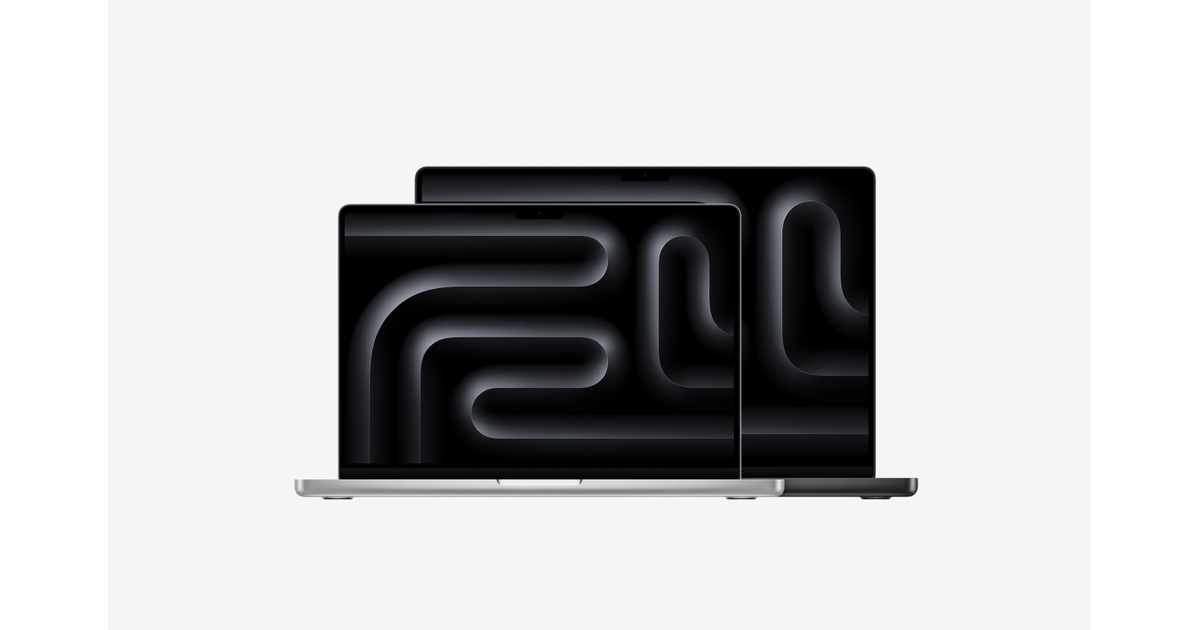

Apple · MacBook Pro 14" M2 Pro A2779
Your repair is selected. Add your contact details and we’ll help you with the next step.
25,000+ customers since 2015
Why customers trust Fixkart
10+ Years
In the repair business
Fixkart Verified
Background-verified technicians
Pay After Repair
UPI, cash or card
A MacBook Pro 14" M2 Pro A2779 charging repair fixes a MacBook that will not charge, charges only at an angle, or says “Not Charging”, by finding whether the adapter, cable, port, battery or logic board is at fault.
Guide: MacBook Not Turning On: Causes and Troubleshooting Steps
Guide: MacBook Battery Draining Fast? Causes and Replacement Guide
Free visit & quote
Diagnosis charge only if you decline the repair
Free pickup & drop
Collected & returned in Bangalore
Genuine parts
Brand-matched & quality-tested
6 months warranty
On parts and labour
The A2779 charges through MagSafe 3 or any of three Thunderbolt 4 ports. Apple included a 67W adapter with the 10-core M2 Pro and 96W with the 12-core M2 Pro and M2 Max; the 96W adapter is the one that fast-charges it.
A Mac on the smaller adapter can lose charge during long renders even though it is plugged in, which is a load issue rather than a fault. The technician tests each input with a known-good 96W adapter, looks at the MagSafe light, and only then checks the port, cable or charging circuit.
If you notice any of the following with your Apple MacBook Pro 14" M2 Pro A2779, book a free visit — catching it early keeps the repair simple.
MacBooks have charged three ways over the years: MagSafe and MagSafe 2 on older models, USB-C or Thunderbolt only on the 12-inch MacBook and the 2016–2020 MacBook Air and Pro (including the M1 models), and MagSafe 3 alongside USB-C on the MacBook Air from M2 and the 14- and 16-inch MacBook Pro. When a Mac has several ways in, Apple says it charges through one port at a time, using the source that gives the most power — so plugging in two chargers does not make it faster.
Back up with Time Machine or iCloud before any Mac repair. Apple's own checklist for Mac service also says to turn off Find My Mac (on macOS 27 or later, turn on Ready for Repair instead), to know your macOS login password in case the MacBook Pro 14" M2 Pro A2779 has to be tested signed in, and to turn on FileVault if you are worried about your data. Ask the technician before you share any password.
Pickup & drop
Collected & returned
6 months Warranty
Parts & labour
Genuine Parts
OEM quality
Bangalore
77+ Areas
096116 21405
Call anytime
Something else wrong with your MacBook Pro 14" M2 Pro A2779? We fix all of these in Bangalore, at your doorstep or by pickup depending on the repair.
Not a MacBook Pro 14" M2 Pro A2779? The same charging repair is available for these Apple models.
It depends on the part and on what the technician finds. Fixkart does not publish a fixed list price for MacBook Pro 14" M2 Pro A2779 charging repair: the exact amount for your MacBook Pro 14" M2 Pro A2779 is confirmed before any work starts, and you pay only after the repair, by UPI, cash or card. Send your model and a photo on WhatsApp for a quote.
Under heavy load the chip can draw more than a 67W adapter supplies. Apple ships 96W with the faster M2 Pro and M2 Max configurations; if it still drains on 96W, the port or charging circuit is tested.
It depends on the part and on what the technician finds, so no fixed time is promised. Your MacBook Pro 14" M2 Pro A2779 is collected, repaired on our bench and brought back; the technician tells you the time for your MacBook Pro 14" M2 Pro A2779 before any work starts.
Yes — every MacBook Pro 14" M2 Pro A2779 charging repair is covered by a 6 months warranty on parts and labour. If the same issue recurs within the warranty period, we fix it free.
This repair is handled by free pickup & drop — we collect your MacBook Pro 14" M2 Pro A2779 from your Bangalore address, repair it on our bench, and return it to you, with status updates throughout.
No. The visit and quote are free, and you only pay once the charging repair is complete and you have checked the device yourself. If the device has to be opened to find the fault and you decide not to repair, a diagnosis charge applies — the technician tells you before opening it, and it is adjusted in your bill if you go ahead.
Check the battery menu first: “Charging On Hold” or a charge limit is a setting, and “Slow Charger” means the adapter is too weak. If it says “Not Charging” with a good adapter, the cause is the cable, the port, the battery or the charging circuit — the diagnosis tests them in that order.
On MagSafe 3, amber means charging or charging on hold, and green means fully charged. Apple says an amber light that keeps flashing may mean a charging problem; cleaning the port and connector and trying another cable are the first steps.
On USB-C models it may work, but slowly. Apple notes that an adapter below the wattage your Mac needs may charge it slowly or unreliably, and newer macOS versions show “Slow Charger” when that happens.
Certified technician · free visit & quote · pay after the repair
Browse other models, brands, and locations. Each repair page shows whether it is done at your doorstep or by pickup and drop, and the warranty it carries.