On this page
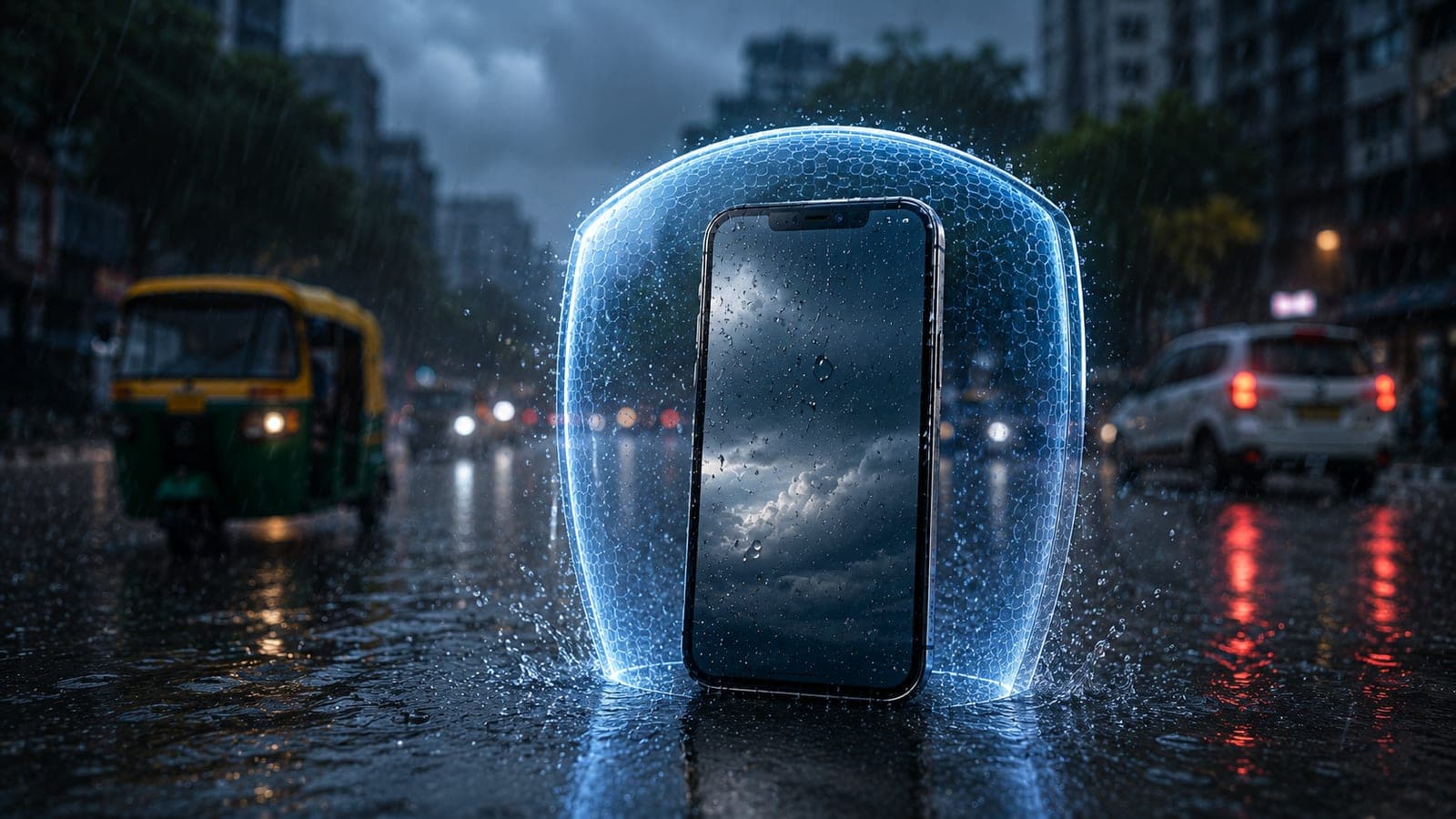
Bangalore's monsoon — roughly June to October — brings sudden, heavy showers and weeks of high humidity, and that is exactly when water-damage phone repairs spike across the city. The good news is most of it is preventable: carry a waterproof pouch, never charge a damp phone, and act fast if your device does get wet. This local guide explains how to protect your phone through the rainy season, what to do the moment it gets caught in a downpour, and how doorstep repair handles a water-damaged device.
Why phones fail more during the Bangalore monsoon
It is not just dramatic drops into puddles. Bangalore's monsoon damages phones in quieter ways too. Persistent humidity lets moisture seep past worn seals and gather inside the device. A phone carried in a damp bag or pocket picks up condensation. Rain caught on the way home from work finds the charging port and speaker grilles. Over hours and days, that trapped moisture corrodes the tiny contacts on the logic board — which is why a phone that seemed fine on a wet evening can act up two days later.
Important
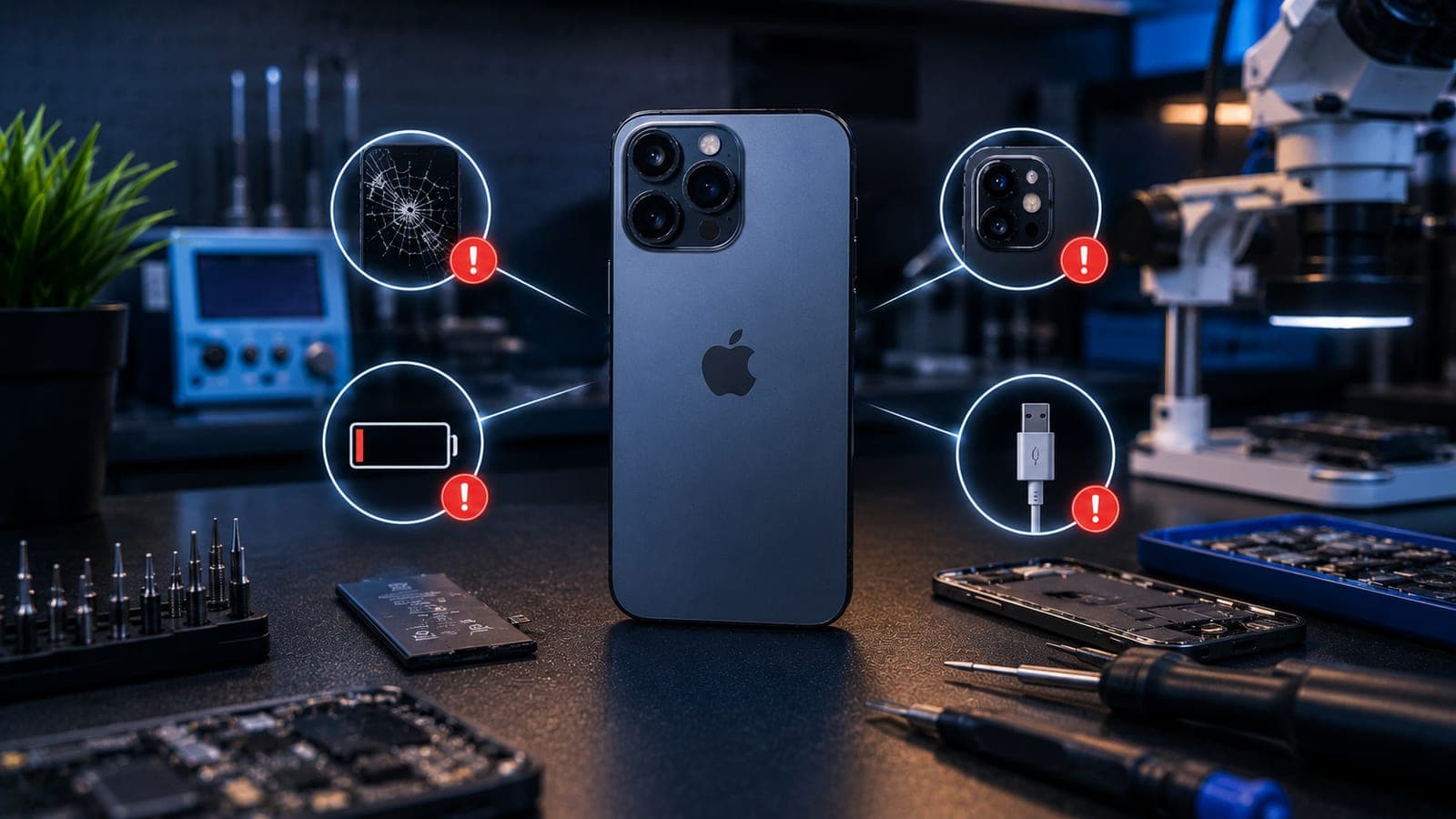
Watch for early warning signs after rain: a charging port that has gone loose or intermittent, a faint white or green crust around the port, fogging or condensation under the screen glass, and a speaker that suddenly sounds muffled. These point to corrosion that gets worse if ignored.
How to protect your phone through the rainy season
A few simple habits keep most monsoon damage away:
- Carry a waterproof pouch or zip-lock bag. Slip your phone in before stepping out in uncertain weather — it costs little and saves a lot.
- Never charge a damp phone. If the port or the phone feels wet, dry it fully and wait a few hours before plugging in — charging a wet port can short the contacts.
- Dry the charging port gently. After getting caught in rain, tap the phone with the port facing down and let it air-dry; do not poke cotton or tissue inside.
- Keep the phone out of damp bags and pockets. A wet bag traps humidity against the device for hours.
- Use a case, but check the seams. A snug case helps, but it also traps moisture against the body — wipe both phone and case dry after rain.
- Skip the bowl of rice. It does not pull moisture from inside the phone and the dust can make things worse — a proper diagnosis is far more reliable.
Water-resistant is not waterproof
Many recent phones carry an IP rating — IP67 or IP68 — and that genuinely helps with light rain and quick splashes. But it is important to understand the limit. That rating is measured on a brand-new device in lab conditions. The rubber gaskets and adhesive seals that keep water out wear down over time, and any earlier drop or screen repair can disturb them. A two-year-old phone simply does not resist water the way it did on launch day. Treat an IP rating as a small safety margin, not a licence to use the phone in the rain.
What to do if your phone gets wet
The first hour matters most. Quick, calm action keeps a wet phone from becoming a corroded one:
- Power it off immediately. A powered phone with moisture inside is far more likely to short.
- Do not charge it. Resist the urge to plug in — a wet port plus power is the fastest way to cause real damage.
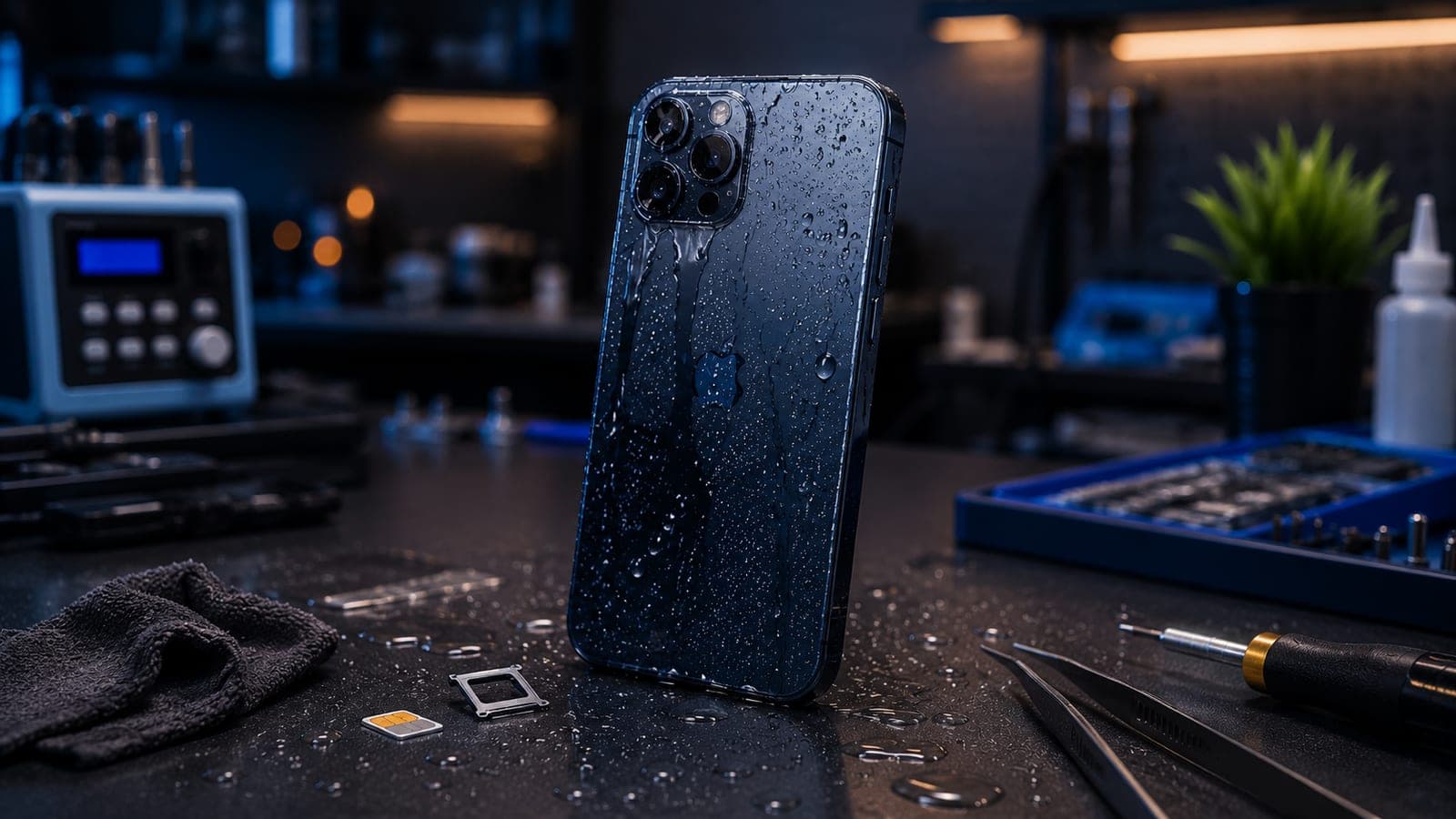
- Wipe and dry the outside. Use a soft cloth, remove the case and SIM tray, and tap the phone with the ports facing down.
- Leave it switched off and let it air-dry. Give it several hours in a dry spot before considering switching it on.
- Book a diagnosis quickly. Corrosion builds over time, so the sooner a technician opens and checks the phone, the better the outcome.
For a complete step-by-step rescue checklist — including the mistakes that make things worse — read our full guide on what to do with a water-damaged phone.
Tip
A phone that switches back on after drying can still have moisture on the logic board. If it has had a real soaking, get it checked even when it seems fine — early cleaning prevents slow corrosion damage later.
Doorstep repair for water-damaged phones in Bangalore
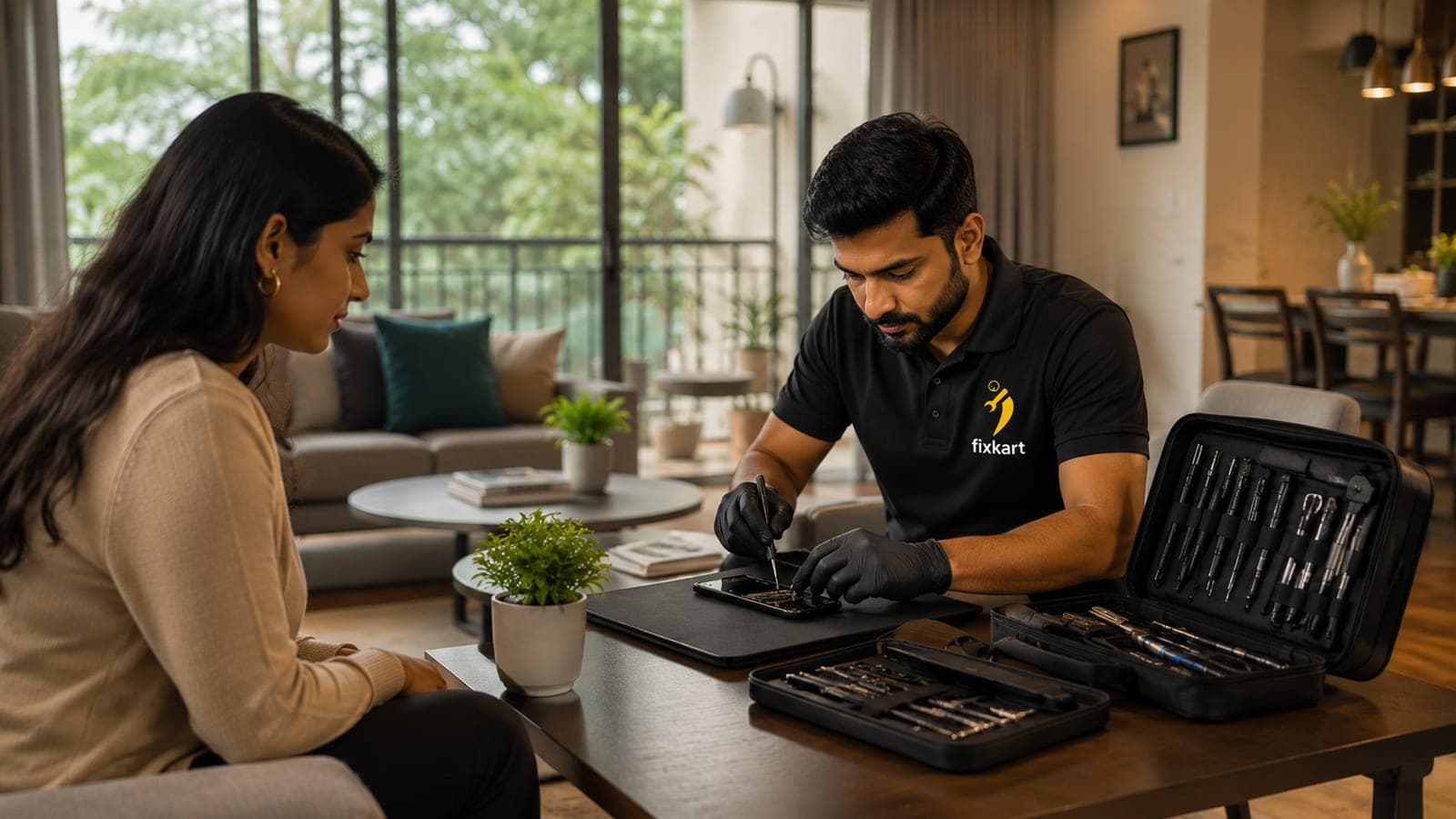
Water damage is one repair where speed beats everything, and doorstep service makes that easy during the monsoon. A certified Fixkart technician can collect your phone from your home or office, so you do not lose time travelling in the rain. Liquid damage usually needs the device opened, cleaned and inspected at board level, so the technician carries out a free diagnosis first and then confirms the price. Because the work depends on how far corrosion has spread, the repair cost is given as an estimate range and finalised only after that diagnosis — Fixkart never quotes a flat figure for liquid damage. Every completed repair is backed by a 1-year warranty, and you can follow the job on the track page.
Monsoon coverage across Bangalore
Fixkart handles water-damage repairs at your doorstep right through the rainy season, across the city — from Koramangala and Indiranagar to HSR Layout and Whitefield. You book a slot, a technician collects or inspects the device, and you pay only after the repair. See every area we cover in Bangalore and book a monsoon repair when you need one.
Frequently asked questions
Often, yes — especially if it is checked quickly. A technician opens the phone, cleans corrosion from the board and replaces affected parts. The outcome depends on how long moisture sat inside, which is why a fast diagnosis matters during the Bangalore monsoon.
Fixkart Service Team
Certified Repair Technicians
The Fixkart Service Team is a group of background-verified, certified technicians who carry out doorstep phone, laptop, tablet and smartwatch repairs across Bangalore every day. Our guides are written from hands-on workshop experience and reviewed by senior technicians before publishing.