On this page
The most common iPhone problem we see in 2026 is still the cracked screen, followed by fast battery drain as phones cross the two-year mark — and after those come overheating, charging faults, Face ID failures and the occasional dead or frozen screen. The good news is that almost all of these are repairable at a small fraction of a new phone's price, and many do not need parts at all. This is a technician's plain-English rundown of what iPhones are brought in for, the likely cause of each, and a rough estimated cost to fix it in Bangalore.
The most common iPhone problems we see in 2026
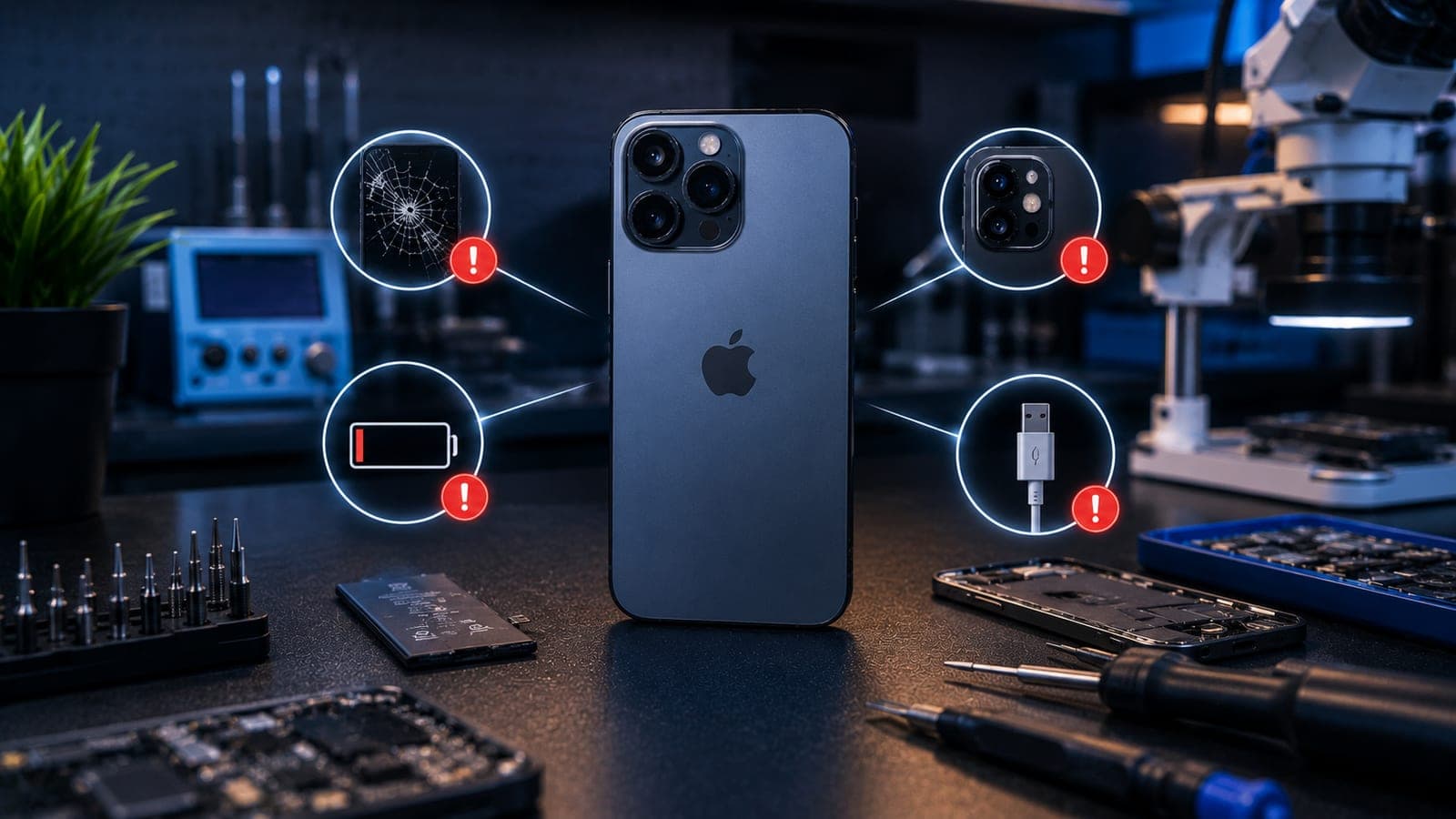
Across the iPhones that come in for repair, the same handful of issues account for most of the workload:
- Cracked or shattered screen — the single most common repair, every generation.
- Battery draining fast — the top complaint on phones older than two years.
- Overheating — often after an iOS update or heavy fast charging.
- Not charging — usually a lint-clogged port or worn cable, sometimes the port itself.
- Face ID stops working — after a drop, a poor third-party repair, or a software glitch.
- Apps crashing and freezing — typically software, occasionally a sign of a failing battery.
- Black or unresponsive screen — display, battery or board-level, depending on the symptoms.
- Speaker or microphone faults — muffled calls, no ringtone, or callers can't hear you.
iPhone problems, likely causes and estimated fix costs
The table below pairs each common problem with its usual cause and a rough cost to fix. These are market estimates for Bangalore in 2026, not quotes — the real figure depends on your exact model and the display or part grade you choose.
| Problem | Likely cause | Estimated fix cost |
|---|---|---|
| Cracked screen | Drop or pressure damage to the glass and OLED panel | ₹2,000 – ₹8,000 compatible; higher for original-grade |
| Battery draining fast | Worn battery (capacity below ~80%) or a background-heavy app | ₹1,500 – ₹6,000 for a replacement, by model |
| Overheating | iOS update re-indexing, heavy fast charging, or a faulty app | Often ₹0 — diagnosis and software fix |
| Not charging | Lint-clogged port or worn cable; sometimes a faulty port | ₹0 for cleaning; ₹1,500 – ₹4,500 for a port |
| Face ID not working | Drop damage or a poor earlier third-party repair | Varies — free diagnosis first |
| Apps crashing / freezing | Software bug, low storage, or an ageing battery throttling the chip | Often ₹0 — software; or battery cost |
| Black / unresponsive screen | Display fault, dead battery, or board-level issue | Varies — free diagnosis first |
| Speaker / mic fault | Dust-blocked grille, water damage, or a worn speaker module | ₹0 for cleaning; ₹1,500 – ₹4,500 for a module |
Good to know
Several of these — overheating, app crashes, a port that just needs cleaning — often cost nothing in parts. A free diagnosis tells you whether you have a software problem or a hardware one before you spend anything.
Cracked screen — the number one iPhone repair
A cracked screen tops the list every year, and many cracks come from a sit-down with the phone in a back pocket rather than a dramatic drop. Even a small crack is worth fixing promptly — the glass is now weaker, touch can fail along the crack line, and dust or moisture can work into the panel. Cost depends heavily on your model and whether you choose a compatible or original-grade display; our iPhone screen replacement cost guide breaks down the 2026 price for every generation.
Battery drain and overheating — the ageing-iPhone duo
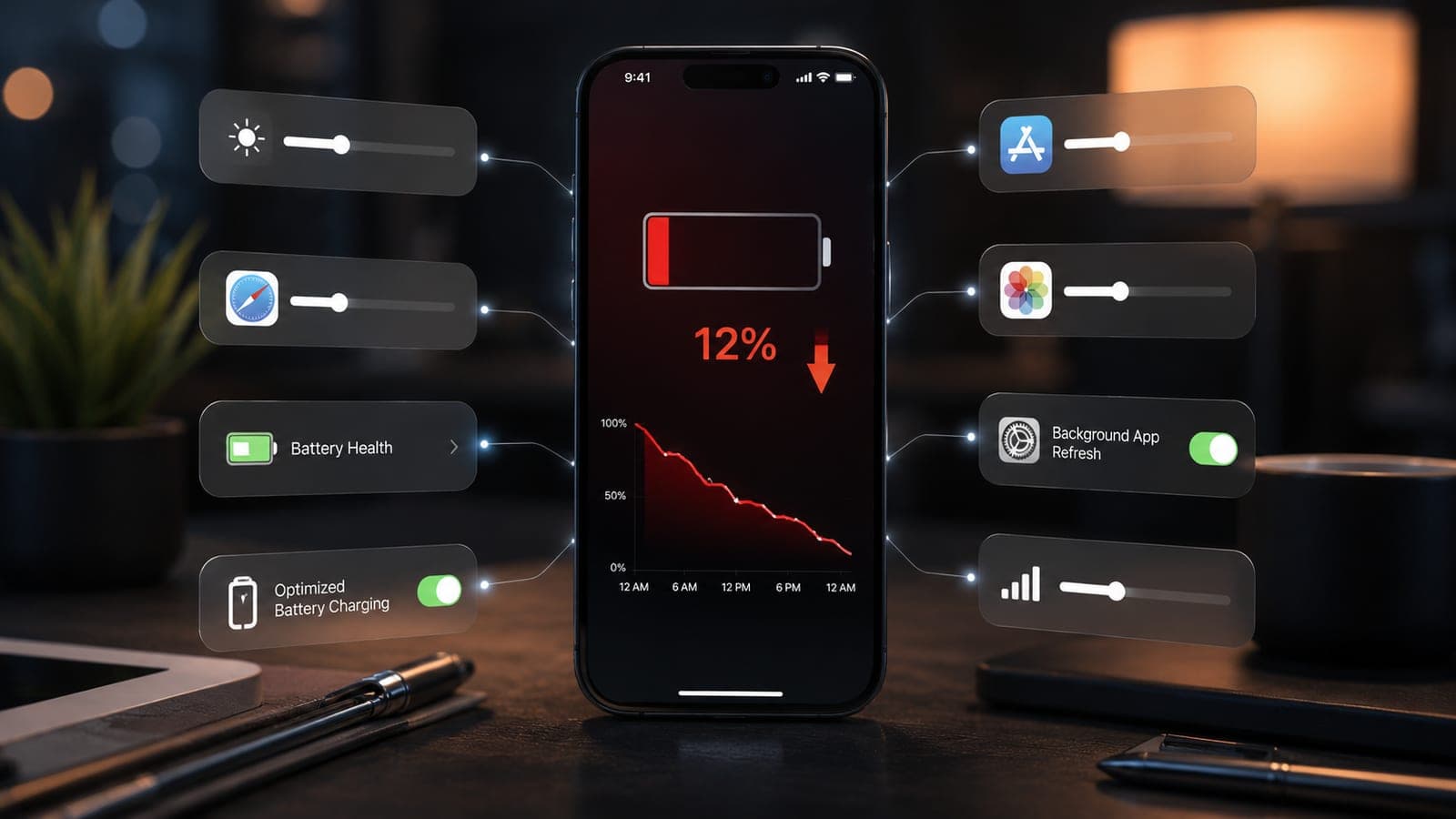
Once an iPhone passes two years, fast battery drain becomes the most common complaint, and it often arrives alongside overheating. A worn battery makes iOS throttle the chip, which feels like slowness; meanwhile a recent iOS update, heavy fast charging or a buggy app can heat the phone up. The fix is not always a new battery — many cases are solved with free settings changes. Work through our 9 fixes for a fast-draining iPhone battery first, and only replace the battery if Battery Health has genuinely dropped below 80%.
Tip
Before any repair, back up your iPhone to iCloud. A screen or battery swap never touches your data, but a backup is always smart insurance.
Charging, Face ID and other faults worth knowing
Beyond screens and batteries, a few other issues come up often:
- Not charging. Before assuming the worst, try a different cable. The most common real cause is lint packed into the Lightning or USB-C port — a careful clean often fixes it for free. A genuinely faulty port can be replaced.
- Face ID failures. Face ID can stop after a drop, a poor earlier third-party repair, or a software glitch. Some cases are software; some need component work — a diagnosis is essential before quoting.
- Black or frozen screen. A force-restart clears many freezes. If the screen stays black, the cause may be the display, the battery or the logic board, so it needs a hands-on check.
- Speaker and mic problems. Muffled calls or no ringtone are often just a dust-blocked grille; if cleaning does not help, the speaker or mic module may need replacing.
iPhones are not alone in this — many of the same patterns show up on other phones too, as our roundup of common Samsung Galaxy problems shows.
New since September 2026: iOS 27 and the newest iPhones
iOS 27 arrived in mid-September 2026, and the questions people bring to us shifted with it. These are the ones we hear most this season:
- Battery draining fast after the update. Usually the phone finishing update tasks in the background; Apple says to wait a few days and check again. The iOS update section of our battery drain guide walks through it.
- iPhone heating after the update. The same background work, plus apps that have not caught up yet. Our overheating guide covers when heat is normal and when it is the battery or the charging port.
- Face ID not working after the update. Apple's own checklist is: install any newer update, check Settings > Face ID & Passcode, clean anything covering the TrueDepth camera at the top of the screen, restart, then reset and set up Face ID again. If setup keeps asking you to move your face, or Face ID stopped after a drop or a screen repair, it is hardware and needs a Face ID repair.
- Touch not working but the phone is on. Notifications arrive and the screen lights up, but taps do nothing. Start with Apple's steps — restart, clean and dry the glass, unplug the charger, remove the screen protector — and read touch not working but phone is on for what each result means.
- Scratches on the iPhone 17 Pro and 17 Pro Max. The aluminium body and the edge of the camera plateau mark more easily than earlier titanium models. Some marks wipe off; chips in the colour do not. See iPhone 17 scratches: what can be repaired.
- Will I lose my data? Most repairs never touch the storage, but a few can. Our guide to whether you lose data during a phone repair lists which, and how to back up first.
Doorstep and pickup iPhone repair across Bangalore
Whatever the fault, Fixkart fixes iPhones across Bangalore — from Koramangala and Indiranagar to HSR Layout, Whitefield, Electronic City and Jayanagar. Most iPhone screen, battery and charging repairs are done at your doorstep; the rest are collected and brought back. A certified technician runs a free diagnosis, and you pay only after the repair. Fixes carry a warranty on parts and labour (the length is shown on each repair page). See all our repair services, the areas we cover in Bangalore, or contact us to book a slot.
Frequently asked questions
The cracked screen is still the most common iPhone repair by a wide margin, followed by fast battery drain on phones older than two years. Overheating, charging faults and Face ID issues make up most of the rest.
Book this repair
Pick your model to see what the repair involves and book a technician.
Fixkart Service Team
Certified Repair Technicians
The Fixkart Service Team is a group of background-verified, certified technicians who carry out doorstep phone, laptop, tablet and smartwatch repairs across Bangalore every day. Our guides are written from hands-on workshop experience and reviewed by senior technicians before publishing.