On this page
Not sure if your laptop battery is on its way out? The clearest signs are simple: the battery drains far faster than it used to, dies suddenly at 30 or 40 percent, makes the laptop shut down at random, shows a swelling or bulge, or triggers a built-in health warning. If your laptop only stays on while plugged into the wall, the battery has effectively failed. This guide walks through the five signs in detail, shows how to check your battery's real health on macOS and Windows, and explains when a replacement is worth it.
Sign 1: The battery drains far too fast
Every laptop battery loses capacity with age — that is normal chemistry. But if a charge that once lasted six or seven hours now barely gets you through two, the battery has worn down well past its useful life. You will notice it most during light tasks like writing or browsing, where the laptop used to last comfortably. A short runtime on a battery that is two or three years old is the most common reason people replace it.
Sign 2: It won't hold a charge or dies at a high percentage
A healthy battery discharges smoothly from 100 down towards zero. A failing one behaves erratically — it might sit at 100 percent for a long time and then crash to single digits, or the laptop shuts off while the indicator still reads 35 or 40 percent. This happens because the battery can no longer report its real capacity. When the percentage stops matching reality, the battery cannot be trusted and needs replacing.
Sign 3: The battery is physically swollen
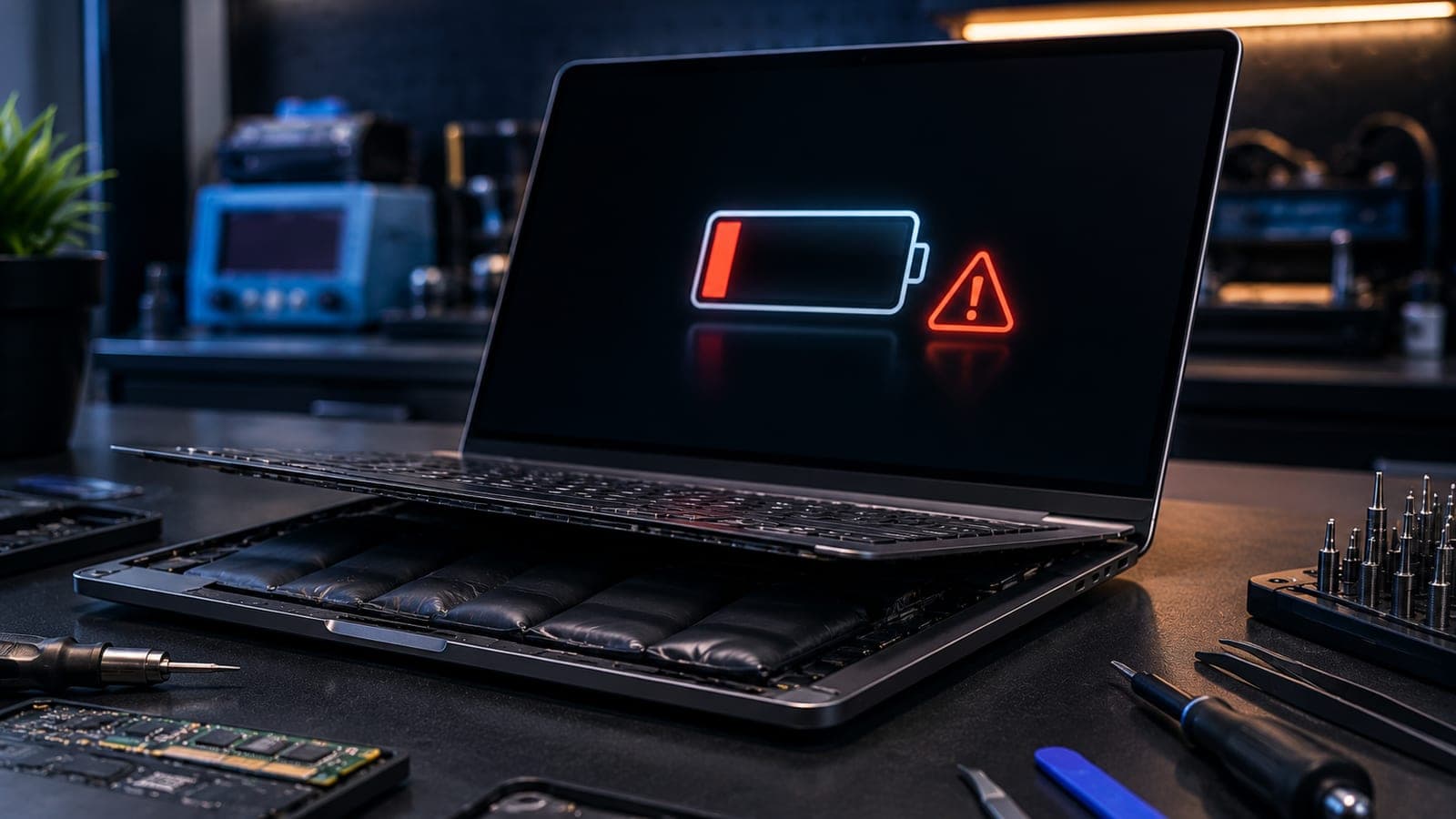
A swelling or bulging battery is the most serious sign on this list. You might notice the trackpad sitting unusually high, the laptop rocking on a flat desk, the keyboard feeling raised, or a visible gap opening between the case panels. A swollen lithium battery is under internal pressure and is a genuine fire and rupture risk.
Stop using a swollen laptop now
If your laptop battery is swollen, stop using it immediately. Unplug it, do not charge it, do not press down on the case, and never try to puncture or remove the battery yourself. A punctured lithium battery can catch fire. Get it to a technician the same day for safe removal and replacement.
Sign 4: Random shutdowns even with charge left
If your laptop switches off without warning even though the battery shows plenty of charge, a worn battery is a likely culprit. An aged battery cannot deliver a steady burst of power when the processor suddenly works hard, so the system loses power and cuts out. These random shutdowns are frustrating and can cost you unsaved work — and they usually stop once a fresh battery is fitted.
Sign 5: An OS battery-health or 'replace battery' warning
Both macOS and Windows monitor battery condition and will tell you when it has degraded. On a Mac, the menu bar may show a Service Recommended or Replace Soon note. On Windows, you may see a red cross over the battery icon or a Plugged in, not charging message. There is also a sixth tell-tale sign worth knowing: a laptop that only runs while plugged into the wall and shuts off the instant you unplug it has, for practical purposes, lost its battery completely. When the operating system itself flags the battery, treat it as a clear prompt to replace it.
How to check your laptop's battery health
Before you decide, confirm the battery's condition with the tools already built into your laptop. The two numbers that matter are the battery health percentage (how much capacity is left compared with new) and the cycle count (how many full charge cycles it has been through). Here is how to find them:
- On a MacBook: open System Settings, go to Battery, then Battery Health. You will see the condition (Normal or Service Recommended) and the maximum capacity. To see the cycle count, hold Option and choose About This Mac, then System Report, then Power.
- On a Windows laptop: open Command Prompt, type powercfg /batteryreport, and press Enter. Windows saves an HTML report — open it to compare Design Capacity with Full Charge Capacity. A big gap between the two means heavy wear.
- Rule of thumb: once maximum capacity drops below roughly 80 percent, or a MacBook crosses around 1,000 cycles, the battery is into replacement territory.
Tip
A worn laptop battery often gets blamed on the whole machine — people think the laptop is finished when only the battery is. If you are weighing repair against replacement, our MacBook repair cost guide puts the numbers in perspective.
When is a battery replacement worth it?
For most laptops that are still fast enough for your work, a battery replacement is well worth it — it costs a small fraction of a new machine and restores the portability you bought the laptop for. It makes the most sense when the laptop still runs smoothly otherwise and you plan to keep it for another year or more. The exact cost depends on your model and whether you choose an original or a quality compatible battery, so think of any figure online as an estimate until a technician checks your laptop. The same applies to phones — our mobile battery replacement guide explains how those estimates work. If the laptop has other major faults, model-specific issues are worth weighing too, which our MacBook issues by model guide covers.
Doorstep laptop battery replacement in Bangalore
You do not need to carry your laptop across the city to fix a battery. Fixkart sends a certified, background-verified technician to your home or office across Bangalore — including Koramangala, Indiranagar, HSR Layout and Whitefield. The technician runs a free diagnosis, replaces the battery in front of you, and you pay only after the repair. Every battery replacement is backed by a 1-year warranty. Browse the laptop repairs we cover, or contact Fixkart to book a slot.
Frequently asked questions
Watch for fast draining, the laptop dying at a high percentage, random shutdowns, a swollen battery, or an operating-system warning. If the laptop only runs while plugged in, the battery has effectively failed. Checking battery health in macOS or Windows confirms it.
Fixkart Service Team
Certified Repair Technicians
The Fixkart Service Team is a group of background-verified, certified technicians who carry out doorstep phone, laptop, tablet and smartwatch repairs across Bangalore every day. Our guides are written from hands-on workshop experience and reviewed by senior technicians before publishing.