On this page
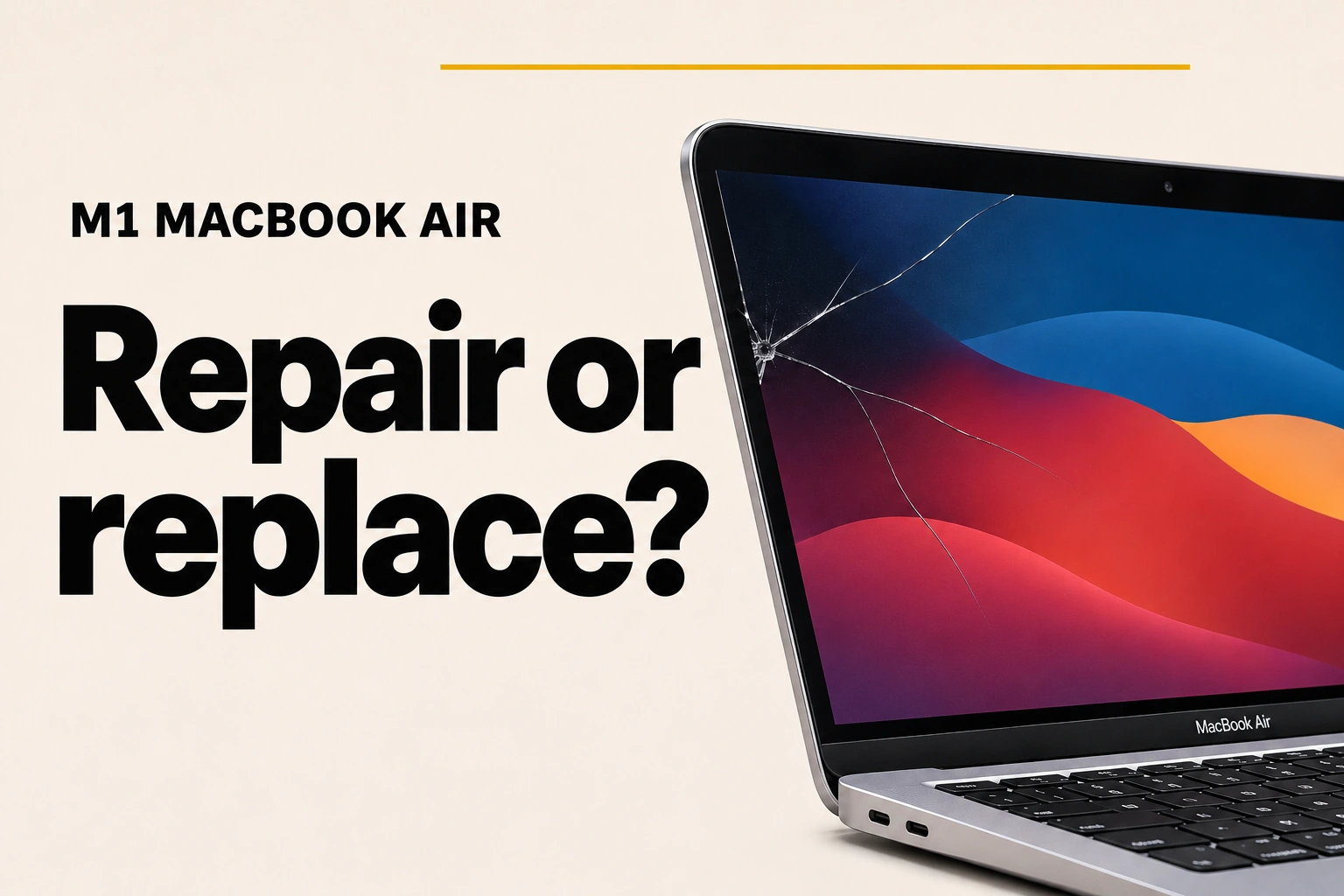
Yes, a cracked M1 MacBook Air screen can be fixed, and for most people repairing it is far better than buying a new laptop. The whole display assembly is replaced, your files stay exactly where they are, and the M1 chip is still fast enough for everyday work. This guide explains what gets replaced, how to judge how bad your crack is, the difference between original and compatible displays, and how a repair works in Bangalore.
How do I know I have an M1 MacBook Air?
Click the Apple menu and choose About This Mac. If it says MacBook Air (M1, 2020), this guide is for you. The model number A2337 is printed in small text on the bottom case. If yours is the newer M2 model (A2681), read our M2 MacBook Air screen replacement guide instead.
Can only the glass be replaced on an M1 MacBook Air?
No. On the M1 Air the glass, the LCD panel, the backlight and the display electronics are bonded into one display assembly. Apple replaces the complete assembly when the screen cracks, and professional repair shops do the same. Trying to separate the glass from the panel almost always breaks the panel underneath.
How bad is your crack?
| What you see | What it usually means | How urgent |
|---|---|---|
| Thin crack, picture still perfect | Glass cracked, panel fine for now | Book soon; cracks spread as the lid moves |
| Black or coloured ink-blot patches | The LCD panel is damaged | Book now; patches grow |
| Lines across the screen or flicker | Panel or display cable damaged | Book now |
| Screen black, Mac works on a TV or monitor | Display or its connection failed | Use an external monitor and book now |
Most M1 Air screens crack when the lid closes on something left on the keyboard, such as earphones, a pen or a charging cable. Apple itself advises never to close the lid on an object. Pressure inside a packed backpack is the other common cause.
Why does the M1 MacBook Air screen crack so easily?
The M1 Air's display is very thin, and the gap between the screen and the keyboard is tiny when the lid is shut. Anything that sits in that gap, even a grain of sand or a crumb, turns the closing lid into a pressure point. Apple specifically warns that closing a Mac laptop with a camera cover, palm rest cover or keyboard cover on it can damage the display, because those few tenths of a millimetre are enough to crack the glass.
Some M1 owners also report cracks that appear with no clear cause, often starting at a lower corner. Whatever started it, the repair is the same: a new display assembly. What helps most afterwards is how you close and carry the Mac.
Should you repair the screen or buy a new MacBook?
For most owners, repairing wins. The M1 chip still handles office work, browsing, coding and video calls comfortably, a screen repair costs a fraction of a new MacBook Air, and your apps and settings stay as they are. A new machine only makes sense if the Mac also has other faults, such as a battery showing Service Recommended or liquid damage, and the total repair would come close to the price of a newer model. Our MacBook repair cost guide helps you weigh it up, and MacBook issues by model covers what else to look out for on the M1 Air.
Original vs compatible display
| Original display assembly | Compatible display | |
|---|---|---|
| Brightness and colour | Same as when new | Close, can be slightly dimmer |
| True Tone | Works after setup | May not work |
| Cost | Higher | Lower |
| Fixkart warranty | Yes | Yes |
The price depends on your exact model and the part you choose, so we confirm it with a free quote before any work starts. See the M1 MacBook Air display repair page for this model.
How does a screen repair work with Fixkart?
- Book online or on WhatsApp with your model and, if you can, a photo of the screen.
- We collect the MacBook from your home or office anywhere in Bangalore.
- A technician checks it on our bench and confirms the quote. Nothing is replaced without your OK.
- The display assembly is replaced and the screen, camera, brightness and lid sleep are tested.
- We bring it back. You pay after the repair, and the new screen is covered by our warranty on parts and labour (the length is shown on each repair page).
Back up before any repair
A screen repair does not touch your storage, but a Time Machine or iCloud backup before any repair is always good practice.
Apple's standard one-year warranty does not cover accidental damage like a cracked screen; AppleCare+ does, for a service fee. Most M1 Airs are now outside both, which is why most owners choose an independent repair. Browse all MacBook screen replacements or contact Fixkart to book.
How do you get your MacBook ready for the repair?
Apple's own checklist for any Mac service is short, and it is worth doing even for a repair that never touches your files:
- Back up with Time Machine or iCloud Drive, so nothing depends on the repair going perfectly.
- Turn off Find My Mac in System Settings, under your name, then iCloud. It keeps Activation Lock out of the way while the Mac is tested.
- Know your login password. The technician needs to sign in to test the repair; you can change the password afterwards.
- Remove covers and stickers on the screen or keyboard, and keep your charger with the Mac so charging can be tested.
If a step is not possible because the Mac will not start or the screen is black, skip it and tell us when you book. We plan the repair around it and nothing is erased without asking you first.
How do you stop the new screen from cracking?
- Close the lid from the middle, not from one corner, so the frame does not twist.
- Look before you close: earphones, a pen, a charging cable or a hair clip on the keyboard are the most common causes we see.
- Skip camera covers and keyboard covers. Apple advises against both on Mac laptops; use the camera indicator light instead.
- Carry it in a padded sleeve, in its own section of the bag, away from a water bottle or charger brick.
- Don't lift it by the screen or wipe the screen with pressure; use a soft, slightly damp microfibre cloth.
What can you do until the repair?
If the screen still works around the crack, avoid pressing on it and keep the lid movement gentle. If the screen has failed, plug in a monitor or TV and keep working; with an iPad you can also use Sidecar as a second display. Do not cover the crack with tape, which pulls glass fragments when removed, and back up before the Mac is collected.
Frequently asked questions
For a short time, yes, especially with an external monitor. Every time the lid moves the crack can spread and damage the panel, so book the repair soon.
Book this repair
Pick your model to see what the repair involves and book a technician.
Fixkart Service Team
Certified Repair Technicians
The Fixkart Service Team is a group of background-verified, certified technicians who carry out doorstep phone, laptop, tablet and smartwatch repairs across Bangalore every day. Our guides are written from hands-on workshop experience and reviewed by senior technicians before publishing.