On this page
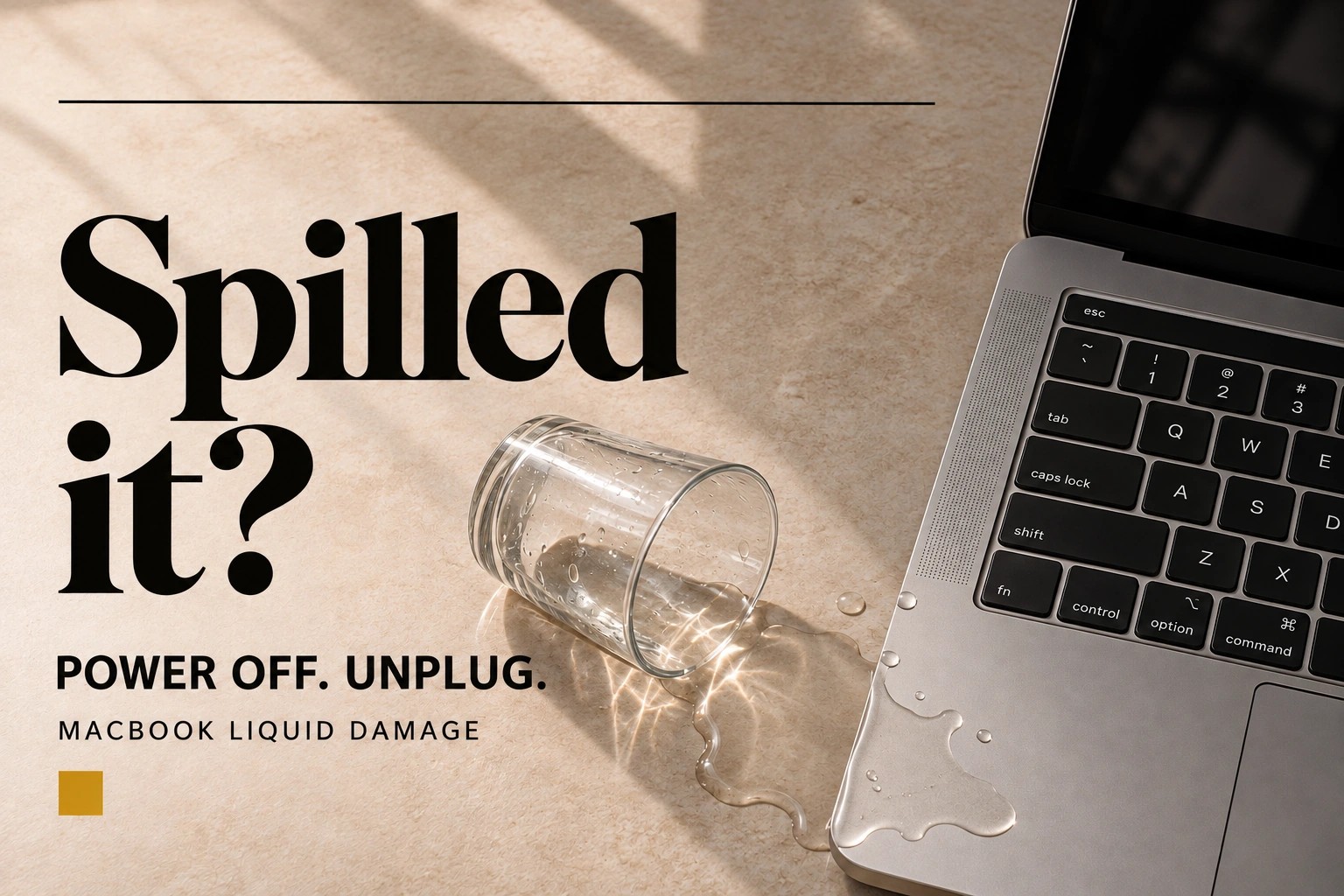
If you have just spilled something on your MacBook, turn it off now by holding the power button, unplug it, and turn it upside down to drain. Do not switch it back on to check and do not put it in rice. A MacBook's logic board sits right under the keyboard, so what you do in the first few minutes decides whether this is a cleaning job or a much bigger repair. Here are the exact steps, what to avoid, and what happens next.
What should you do right after the spill?
- Turn it off. Press and hold the power button for 5 to 10 seconds until the screen goes black. Don't stop to save your work.
- Unplug the charger and remove everything connected: drives, hubs and cables.
- Drain it. Open the lid wide and turn the MacBook upside down in a tent shape, or flat with the keyboard down on a towel, so liquid runs out away from the board.
- Blot, don't rub. Use a soft, dry, lint-free cloth on the keyboard, case and ports.
- Leave it off and don't charge it.
- Get it to a technician the same day.
What should you never do after a spill?
| Don't | Why |
|---|---|
| Turn it on to check | Power plus liquid causes short circuits |
| Put it in rice | Rice doesn't pull liquid out from inside, adds dust and starch, and wastes time |
| Use a hair dryer or leave it in the sun | Heat can warp parts and push liquid deeper |
| Shake it | Spreads the liquid over more of the board |
| Poke into the ports | Damages the connectors |
| Charge it | Puts power through wet circuits |
Is chai or coffee worse than water?
Yes. Plain water dried quickly sometimes causes no lasting damage, but chai, coffee with sugar, soft drinks and juice leave a sticky, conductive film that corrodes the logic board and makes keys stick. A MacBook with a sugary spill needs to be opened and cleaned even if it seems to work. If you can't get it to a technician at once, leave it switched off, open and upside down for at least 24 hours, and up to 72 after a large spill. Waiting dries it, but it doesn't remove sugar or minerals; only cleaning does.
It works now. Is it fine?
Not necessarily. Corrosion can spread under the chips for days or weeks after a spill, and the Mac can fail suddenly later. A technician checks the liquid contact indicators and the board and cleans the residue before it does damage.
Which parts does liquid reach first?
- Keyboard and trackpad: keys turn sticky or stop working, and the trackpad may click unevenly. On many MacBooks the keyboard is part of the top case, so a bad spill can mean replacing that whole part.
- Logic board: it sits directly under the keyboard, so liquid that gets past the keys reaches it quickly. This is where corrosion does the most damage.
- Speakers and ports: liquid that runs to the sides can affect sound and the USB-C ports.
- Screen: less often, unless the spill landed on the display or the Mac was tilted with the lid closed.
The order matters because it explains the symptoms. Sticky keys alone usually mean the liquid stayed near the top; a Mac that won't charge or turn on usually means it reached the board.
What does a technician do after a spill?
A proper liquid repair is more than drying. On our bench the MacBook is opened, the battery is disconnected so no power reaches the board, and the logic board, keyboard area and connectors are inspected under magnification for liquid, residue and the first signs of corrosion. Affected areas are cleaned, the Mac is dried properly and then tested part by part: power, charging, keyboard, trackpad, display, speakers and ports.
Some spills end there. Others leave a part that no longer works, often the keyboard or trackpad after a sugary drink, or a component on the board. Those parts are quoted separately, and nothing is replaced until you say yes.
Back up as soon as it powers on
If the MacBook does turn on after drying, back it up straight away with Time Machine or iCloud Drive, then switch it off again and get it checked. A Mac that works today with residue inside can fail without warning, and a fresh backup turns a possible data loss into just a repair.
Is liquid damage covered, and can your data be saved?
Apple says liquid damage is not covered by its one-year limited warranty; AppleCare with accidental damage protection can cover it for a service fee, and Apple's Mac laptops have liquid contact indicators that show whether liquid got inside. Your data can usually be saved if you act fast. On M1 and later MacBooks the storage is soldered to the logic board, so the board must be repaired for the files to be recovered, and the sooner it is cleaned the better the chance. Tell us if your files matter most and we plan the repair around them.
If the Mac won't start after drying, our MacBook not turning on guide explains the next checks; the same first steps apply to phones, as our phone water damage guide shows. Fixkart collects the MacBook from your home or office in Bangalore, cleans and tests it, quotes before any repair and brings it back; you pay after the repair, which carries our warranty. See MacBook water damage repair and the MacBook repair cost guide.
How do you protect your MacBook from spills?
- Keep drinks on the side away from the laptop, never behind the screen where an elbow can tip them forward.
- Use a cup with a lid at your desk, especially for chai and coffee.
- Don't eat or drink over the keyboard. Crumbs and drips are the two biggest keyboard problems we see.
- Skip silicone keyboard covers. Apple advises against them on Mac laptops because closing the lid on one can damage the display.
- Back up regularly, so a spill is a repair and never a data loss.
Frequently asked questions
It might turn on, but residue and corrosion can still damage it later. Get it professionally cleaned, especially after a sugary drink.
Book this repair
Pick your model to see what the repair involves and book a technician.
Fixkart Service Team
Certified Repair Technicians
The Fixkart Service Team is a group of background-verified, certified technicians who carry out doorstep phone, laptop, tablet and smartwatch repairs across Bangalore every day. Our guides are written from hands-on workshop experience and reviewed by senior technicians before publishing.