On this page
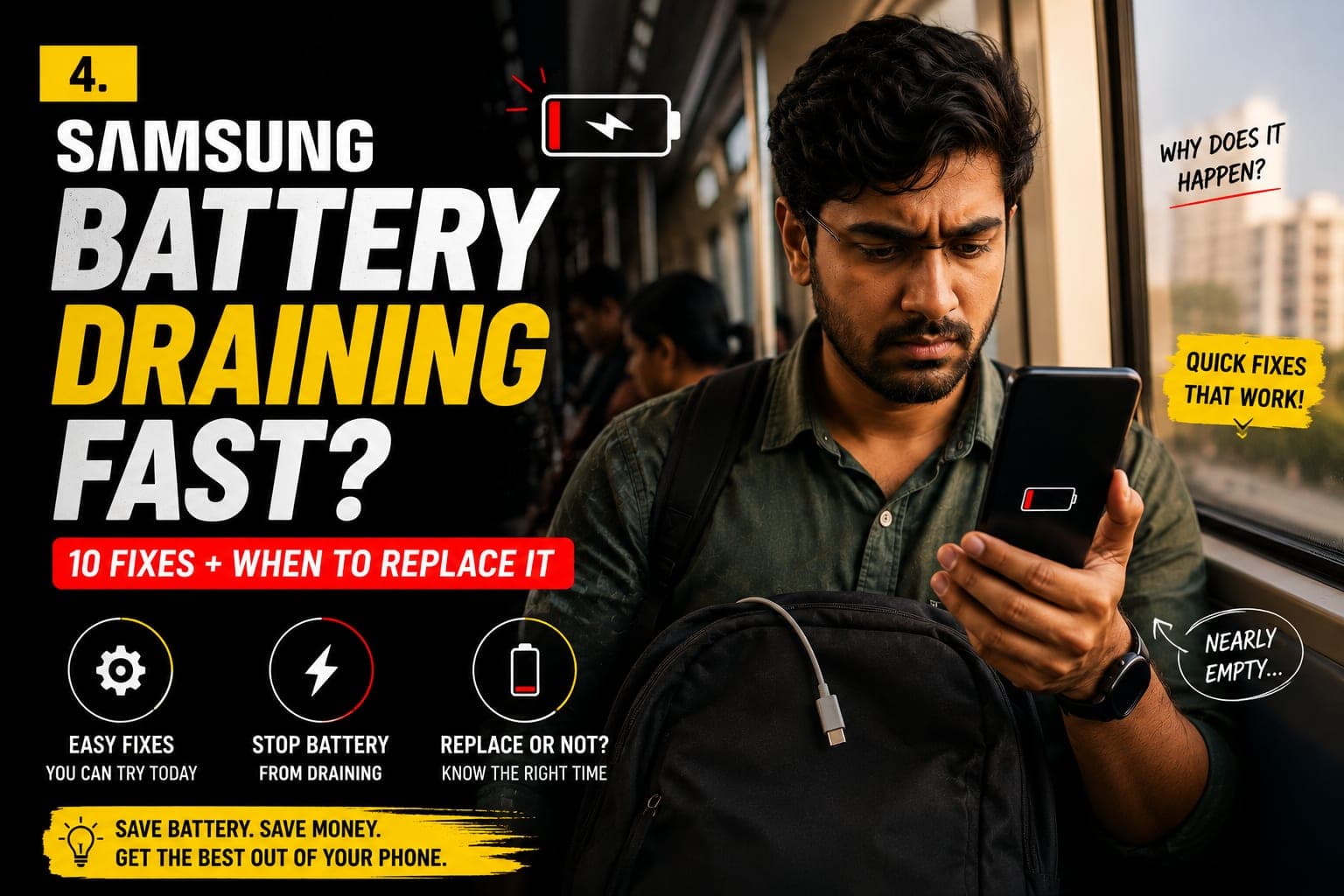
If your Samsung battery is draining fast, you probably do not need a new battery yet. On a Galaxy, most sudden drain comes from the display running at its highest refresh rate, apps that never go to sleep, scanning features left on, or a One UI update still settling in — all fixable in Settings within minutes. The battery is only the answer once it has genuinely worn down, and Samsung's own diagnostics will tell you. This guide covers the Samsung battery health check, the 10 fixes that recover the most runtime, and when a Galaxy S23, S23 Ultra or S24 battery replacement is the real fix.
First, check your Samsung battery status
A Galaxy does not show a capacity percentage the way an iPhone does, but it gives you two useful screens. Open the Samsung Members app, go to Support > Diagnostics, and run the Battery test. It reports a Battery status of Good, Normal, Weak or Bad and, on newer One UI builds, a Life reading that reflects how much the cell has aged. Many recent models also show this under Settings > About phone > Battery information.
Then open Settings > Battery (under Battery and device care on older One UI versions). The graph shows how the charge fell over the last day and week, and the app list ranks which apps used the most — this is where you catch a messaging app stuck syncing in the background.
- Good or Normal — the cell is healthy; a sudden drain is almost always software, so work through the fixes below.
- Weak — the battery has lost a meaningful share of its capacity; the fixes help, but expect the phone to fade by evening.
- Bad — the battery is worn; settings buy a little time, but a Samsung battery replacement is the proper fix.
Good to know
A worn Galaxy battery does more than run out early. As the cell weakens its voltage sags under load, which is why an ageing phone shuts down at 20–30%. A new battery restores both runtime and responsiveness.
10 fixes to try before replacing the battery
Work through these in order. Each takes under a minute in One UI, and together they recover most of the runtime a Galaxy loses to settings and background activity.
- Adaptive brightness on, refresh rate to Standard. Settings > Display. The screen is the biggest drain on any Galaxy, and 120Hz running flat out uses noticeably more than Standard or Adaptive.
- Put unused apps to sleep. Settings > Battery > Background usage limits > Sleeping apps. Anything you open once a week can go here.
- Tighten Background usage limits. In the same menu, switch on Put unused apps to sleep and remove any chatty app that has landed in the Never sleeping apps list by mistake.
- Trim Location and Nearby device scanning. Settings > Location: set apps that do not need your position to Deny. Then Settings > Connections > More connection settings and turn off Nearby device scanning, which pings for devices all day.
- Switch Always On Display to Tap to show. Settings > Lock screen and AOD. A permanent AOD keeps part of the AMOLED panel lit around the clock; Tap to show or a schedule uses a fraction of that.
- Use LTE instead of 5G where coverage is patchy. Settings > Connections > Mobile networks > Network mode. Where 5G is weak, the phone burns charge hopping between networks.
- Turn off Wi-Fi and Bluetooth scanning. Settings > Location > Location services. These let apps look for networks and devices even when Wi-Fi and Bluetooth are off.
- Update One UI. Settings > Software update. Samsung ships battery fixes with most updates, and an out-of-date build is a common cause of overnight drain. Give the phone a day afterwards to re-optimise.
- Enable Protect Battery and Power saving. Settings > Battery > Battery protection caps charging at around 80%, which slows the ageing of the cell. Power saving helps on long days out, and Adaptive Battery limits the apps you rarely touch.
- Factory reset as a last resort. If Diagnostics says Good but the drain persists, a corrupted app may be the cause. Back up to Samsung Cloud or Google first, then Settings > General management > Reset > Factory data reset.
Tip
Judge the result over a full charge cycle, not an hour. Samsung's estimate recalibrates as it learns your new settings, so the improvement is clearest the next morning.
Signs the Samsung battery itself is worn
Lithium-ion cells lose capacity with every charge cycle, and after roughly two to three years most Galaxy phones hold noticeably less than they did new. These are the signs a technician looks for:
- Samsung Members Diagnostics reports Weak or Bad, or the Life reading has fallen well below where it started.
- The phone drops from 30% straight to off, or the percentage jumps in big steps.
- The back cover is lifting or the screen looks slightly raised — a swollen cell pushing the panel outward.
- Noticeable heat while charging or during light use, with no app showing unusual usage.
A swollen battery is a safety issue
If the back glass is bulging or a gap has opened along the edge, stop charging, avoid pressing on the panel, and book a replacement straight away. A swollen lithium-ion cell can rupture.
Samsung S23 and S24 battery replacement: what to know
Galaxy S23 / S23 Ultra battery replacement
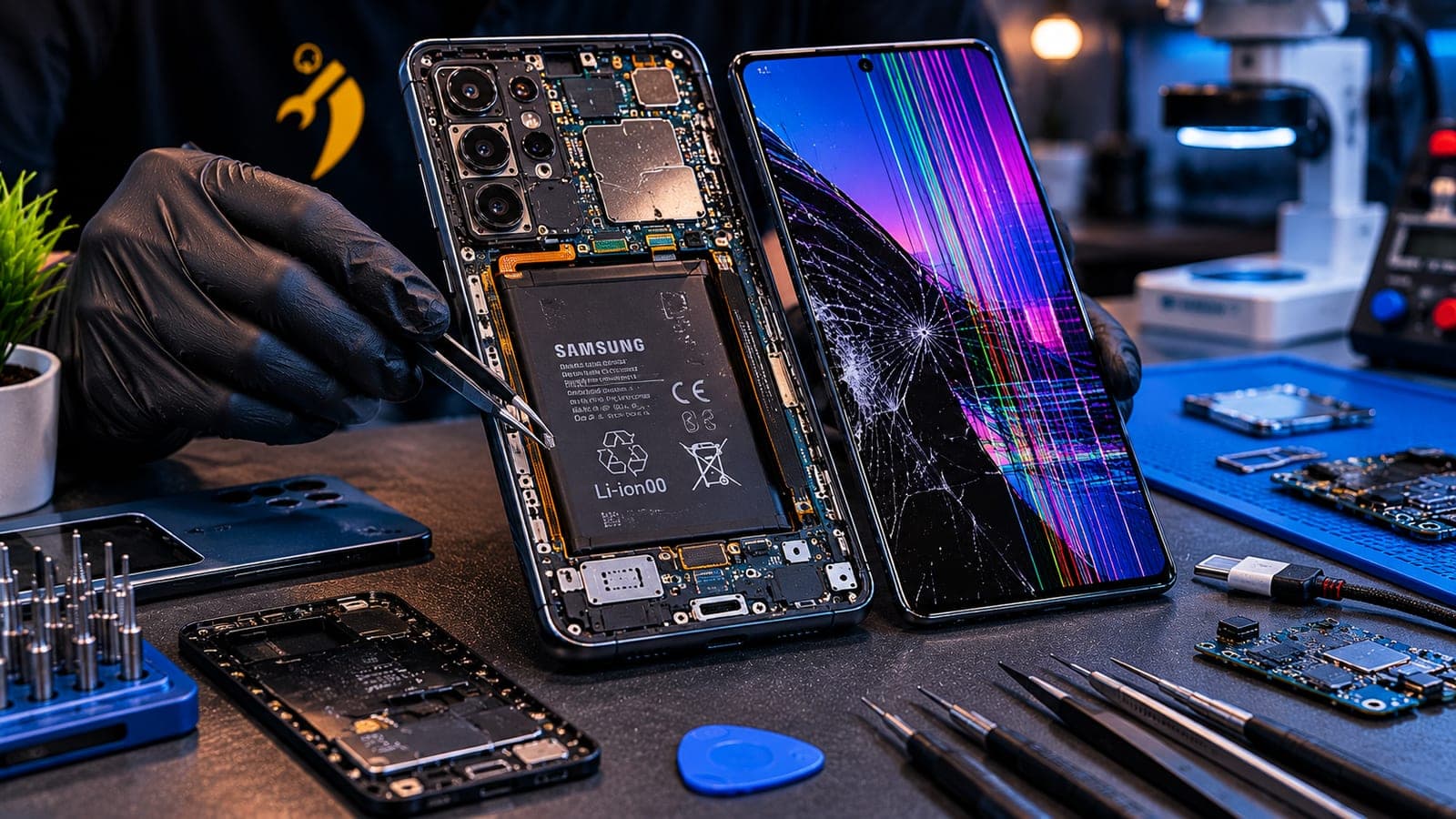
The Galaxy S23 and S23+ are now at the age where a Samsung S23 battery replacement is the normal fix for a phone that no longer lasts a working day. The S23 Ultra adds a larger cell and an S-Pen assembly along one side of the frame, so the technician works around the pen silo when lifting the old battery out. On all three the back glass is glued and must be warmed and released first — exactly why a trained technician beats a DIY kit. See the Galaxy S23 Ultra battery replacement page for model-specific details, and the Samsung repair hub for every other Galaxy.
Galaxy S24 series
A Galaxy S24 battery drain complaint is more often software than hardware while the phone is young — refresh rate, Sleeping apps and a One UI update usually solve it. If Diagnostics has moved to Weak, the replacement follows the same steps as the S23: heated release of the glued back panel, careful work around the S-Pen assembly on the S24 Ultra, a new cell on fresh adhesive, and the back panel resealed so the water-resistance gasket seats properly. Tell us which S24 you have on the Samsung hub and the technician arrives with the matching part.
Charging problems that look like battery drain
Many "battery draining fast" complaints are really charging problems. If the phone reads 100% but dies early, charges only at an angle, or takes far longer than usual to fill, check the port and cable first. Lint packed into the USB-C port stops the connector seating fully, and a frayed cable does the same. Clean the port gently with a wooden pick and test with a known-good cable. If charging is still unreliable, book a Samsung charging port repair — the technician checks the port, charging board and battery together, so only the worn part is replaced.
What a pickup and drop Samsung battery replacement involves
You tell us the model and the fault, and we collect your Galaxy from your home or office; on our bench, a technician fits the battery for that exact model. The back panel is warmed and released, the old cell comes out on its pull tabs, the new one is seated on fresh adhesive, and the back panel is resealed so the frame closes flush. The technician confirms the timeline with your quote, and nothing on the phone is touched — photos, apps and settings stay exactly as they were. Before handing it back, the technician runs Diagnostics so you see the new cell reporting Good.
Pickup and drop Samsung battery replacement across Bangalore
Fixkart replaces Samsung phone batteries on pickup and drop across Bangalore — from Koramangala and Indiranagar to HSR Layout, Whitefield and Electronic City. We collect your Galaxy, a certified, background-verified technician fits the right cell on our bench, we bring it back, and every battery is backed by a warranty on parts and labour (the length is shown on each repair page). Our Samsung repair in Bangalore page covers the full Galaxy range, you can see all the areas we cover in Bangalore, or get in touch to book a slot.
Tip
Before the technician arrives, back up to Samsung Cloud or Google. A battery swap never touches your data, but a backup is smart insurance — and you can track your repair right up to the technician's arrival.
How to make the new battery last
- Keep Protect Battery on. Capping the charge at around 80% is the most effective way to slow ageing.
- Avoid heat. No charging under a pillow, on a car dashboard or in direct sun — heat ages lithium cells faster than anything else.
- Top up between 20% and 80% rather than running to empty and charging to full every night.
- Use a good-quality charger and cable, and skip gaming or video calls while Super Fast Charging.
- Re-run Diagnostics every few months to see how the new cell is holding up.
If a worn battery is one of several things bothering you, our roundup of common Samsung Galaxy problems helps you decide what to fix first — and if a green stripe has appeared down the screen, that is a separate display fault covered in our Samsung green line fix guide.
Frequently asked questions
On most Galaxy phones the cause is settings rather than hardware — a 120Hz refresh rate, apps that never sleep, Always On Display, Nearby device scanning, or a One UI update still optimising. Check Settings > Battery to see which apps use the most charge and apply the fixes in this guide. If Samsung Members Diagnostics reports Weak or Bad, the cell itself is worn and needs replacing.
Book this repair
Pick your model to see what the repair involves and book a technician.
Fixkart Service Team
Certified Repair Technicians
The Fixkart Service Team is a group of background-verified, certified technicians who carry out doorstep phone, laptop, tablet and smartwatch repairs across Bangalore every day. Our guides are written from hands-on workshop experience and reviewed by senior technicians before publishing.