On this page
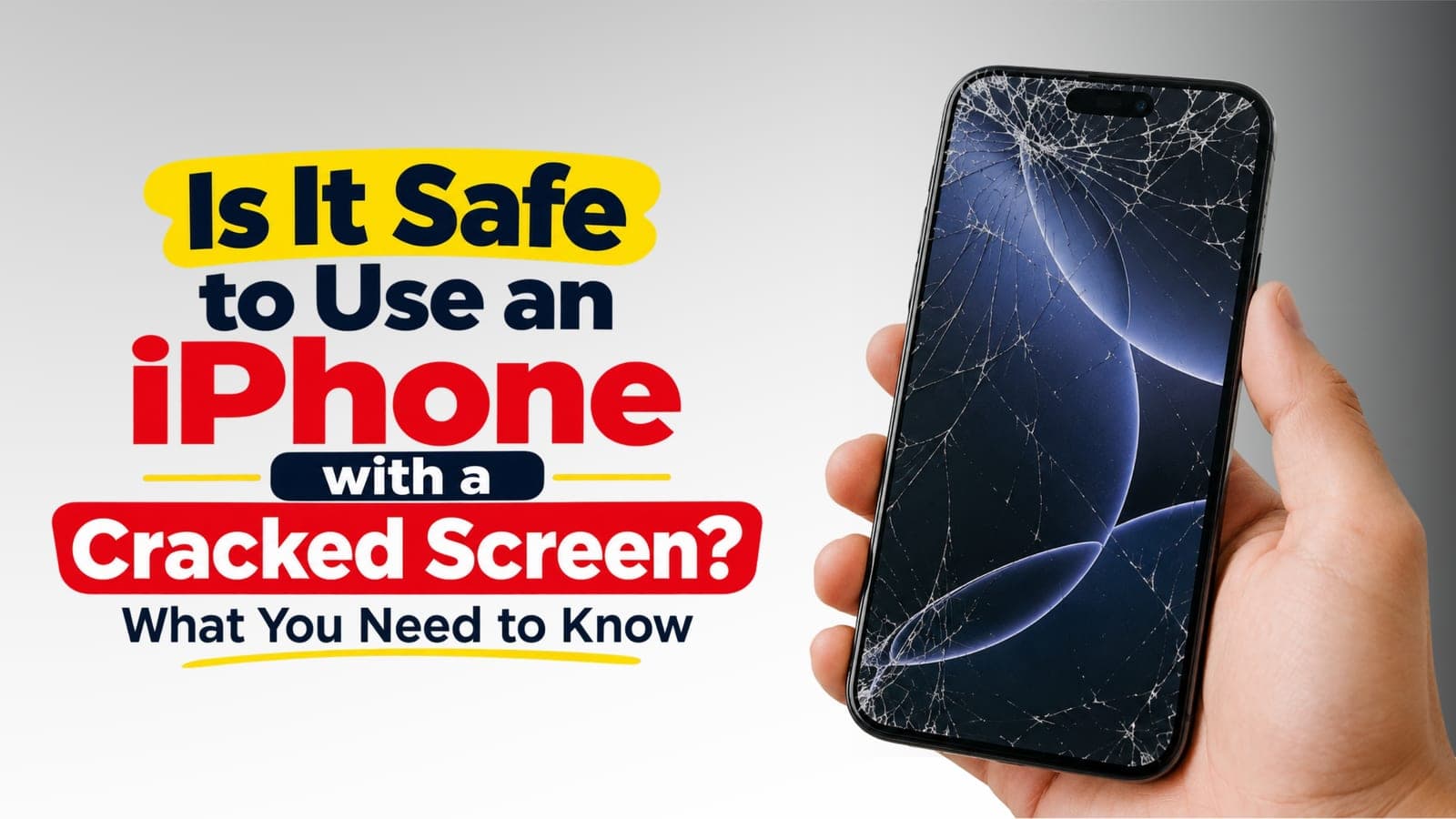
A cracked back is one of the most common iPhone faults we are called out for, and one of the most misunderstood. People assume the whole body has to be swapped, or that a spiderweb on the back is fine to live with for months. Neither is true. This guide covers what to do right now, whether it is safe to keep using the phone, and how iPhone back glass replacement works — including the difference between an iPhone 14 Pro Max and an iPhone 17 Air.
What to do right now if your iPhone back glass is cracked
Before you book anything, a few minutes of care keeps a cracked back from turning into a bigger repair:
- Stop wireless charging if the glass is lifting. A wireless or MagSafe charger heats the back panel. If the glass has started to lift or flake, that heat loosens it further and can push shards against the internals. Use the cable until the back is replaced.
- Tape over any sharp edges. A single layer of clear tape across the crack stops loose glass falling out and keeps your fingers safe. Hold the pieces in place; do not press them in.
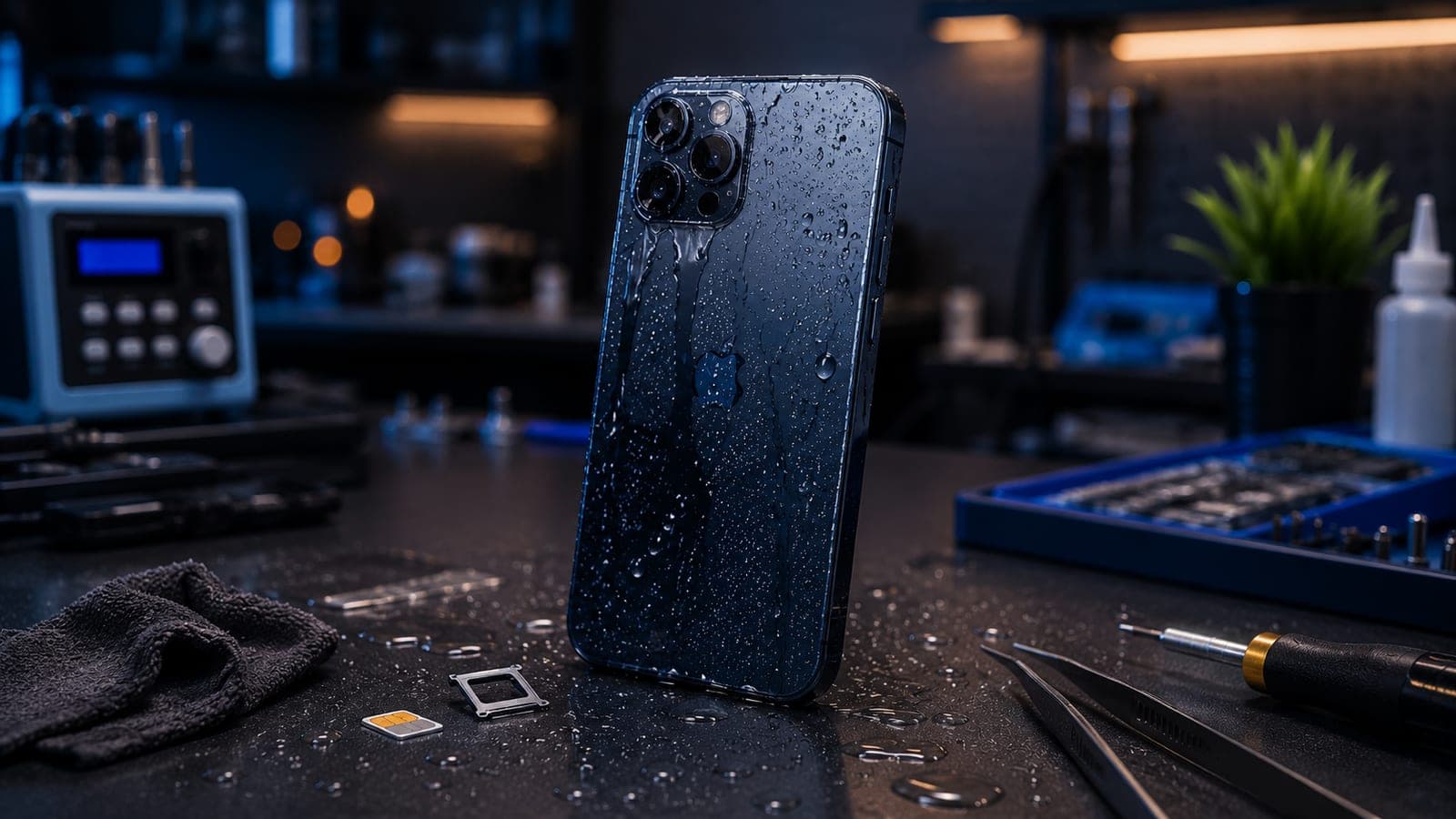
- Keep the phone away from water and dust. The seal that keeps splashes and grit out runs around the edge of the back glass. Once it is cracked, that protection is gone — no rain, no bathroom counters, no sandy pockets.
- Take a backup. Settings > your name > iCloud > iCloud Backup, and run one now. A cracked back rarely touches your data, but you want a fresh copy before any repair.
Important
If the crack runs into the camera bump or you can see glass powder around the lenses, stop using the rear camera and keep the phone in a case. Loose glass near the lens can scratch the camera glass permanently.
Is it safe to keep using an iPhone with a cracked back?
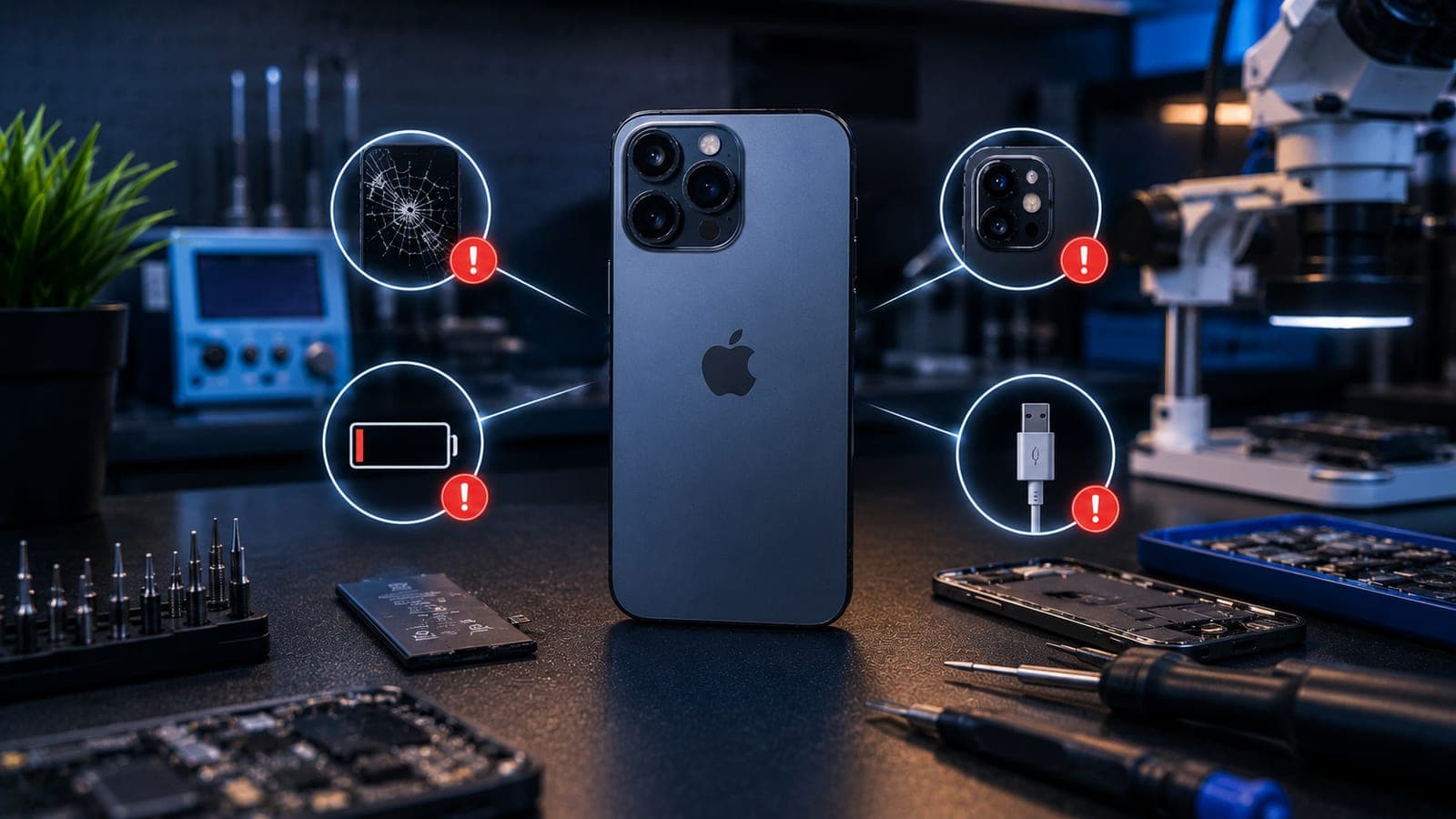
For a day or two while you arrange a repair, generally yes — the phone still works. As a long-term plan, no. A cracked back glass iPhone has four problems that get worse the longer you leave it:
- Sharp edges. Back glass breaks into small, sharp fragments that cut fingers, catch on pockets and work loose over time.
- Water and dust ingress. The back glass is part of the sealed shell. Cracks let in moisture and grit that corrode the logic board and battery connector. If liquid has already got in, read what to do after water damage.
- Cracks spreading to the camera glass. On Pro models the camera bump is its own piece of glass. A crack that starts at a corner often travels into it, and then the camera glass needs replacing too.
- MagSafe and wireless charging. The charging coil and magnet ring sit directly under the back glass. Cracked or lifting glass changes the gap, so charging turns slow, hot, or drops out altogether.
If the screen is damaged as well, see is it safe to use an iPhone with a cracked screen for how to judge that side of the phone.
Can iPhone back glass be replaced without changing the whole body?
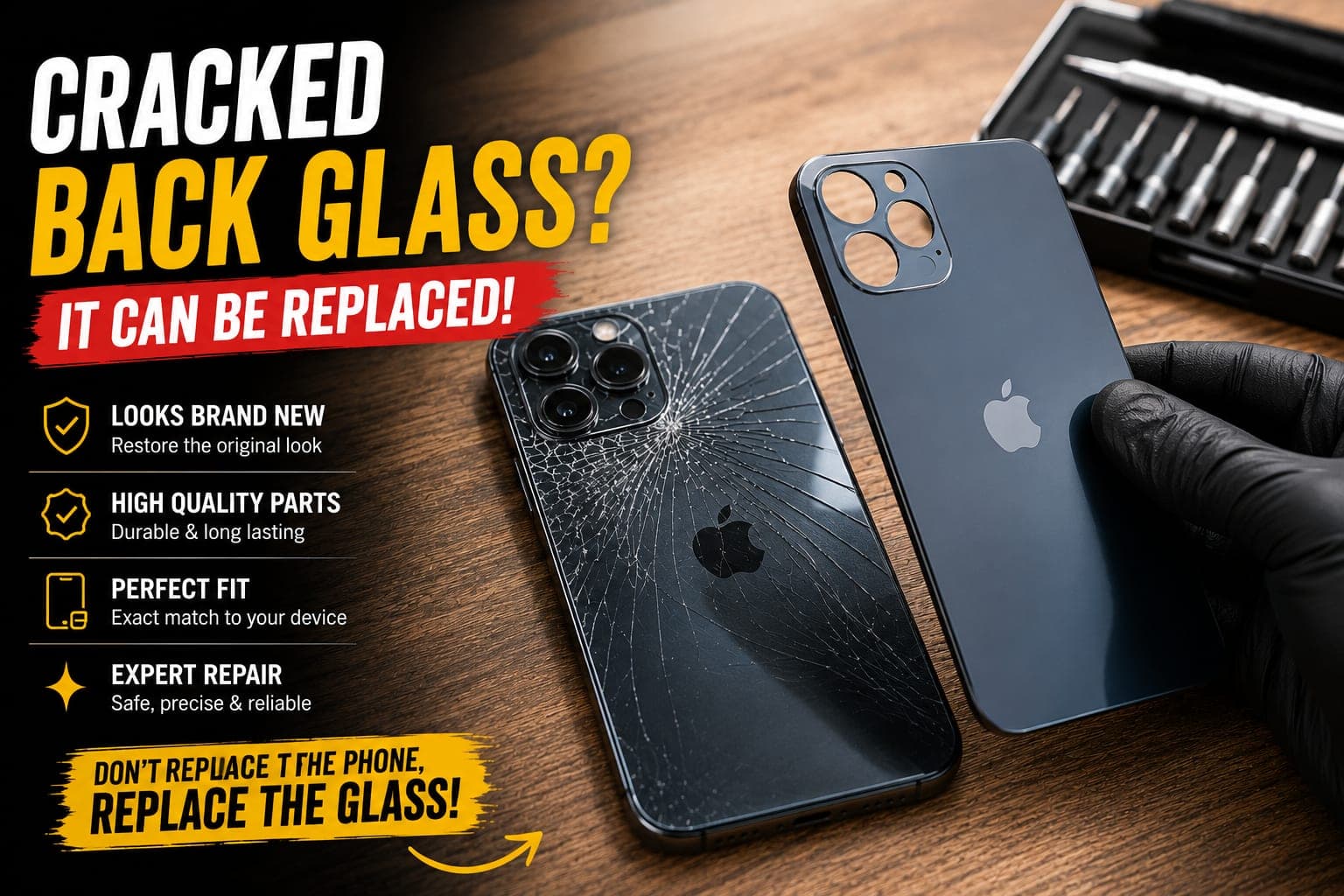
Yes — and this is the question we hear most. For every glass-backed iPhone from the iPhone 8 onwards, the back glass is replaced on its own. The body is not swapped, the phone is not rebuilt into a new housing, and your logic board, battery, cameras and screen stay exactly as they are. What differs between models is how the old glass comes off, because Apple has used two very different designs:
- Glued-on back glass — iPhone 8 through iPhone 14 Pro Max. The panel is bonded straight to the metal frame with strong adhesive. Removing it by hand is slow and risky, so a proper repair uses a laser separation machine that burns away the adhesive without touching the frame.
- Removable back panel — iPhone 14, 14 Plus and every iPhone 15, 16 and 17 model. Apple redesigned the phone so the back glass is a separate panel opened from the rear and held by lighter adhesive. No laser, no full teardown, far less time on the bench.
iPhone 14 Pro Max back glass replacement
The 14 Pro Max is the last big Pro model with the glued-on design, so back glass repair on an iPhone 14 Pro Max is a laser job. The technician masks the camera bump and frame, runs the laser across the back in passes to break down the adhesive, lifts the old glass off, cleans the frame to bare metal and fits a new panel. The camera bump on the 14 Pro Max is a separate glass ring, so it is replaced only if it is cracked too. Book on the iPhone 14 Pro Max back glass page — the same laser process applies to the iPhone 13 family.
iPhone 17 and 17 Air back glass replacement
iPhone 17 back glass replacement is a different job altogether. The 17 and the ultra-thin 17 Air use the removable panel design, so the technician opens the phone from the rear, lifts the old panel, transfers the wireless charging coil and MagSafe ring if they are bonded to it, and seats the new panel with fresh adhesive. Nothing on the front comes apart, so the screen is never touched; the 17 Air needs a little extra care because the panel is so thin. Book on the iPhone 17 Air back glass page, or the iPhone 15 back glass page for the earlier removable-back generation.
What the technician actually does, step by step
Whichever design your phone has, a proper back glass replacement follows the same sequence:
- Inspection. The crack, camera glass and frame are checked, and the phone is confirmed to power on and charge. Anything else that is damaged is pointed out before work starts.
- Power down and protect. The phone is switched off and the screen, frame and camera are masked.
- Remove the old glass. Laser separation on iPhone 8 to 14 Pro Max; rear-panel opening on iPhone 14, 15, 16 and 17.
- Clean the frame. Every trace of old adhesive and glass dust is removed so the new panel sits perfectly flat — this step decides whether the repair looks factory-fresh.
- Transfer components. Charging coil, MagSafe magnets, flash diffuser and camera glass are moved across or replaced as needed.
- Fit and test. A colour-matched panel is aligned and pressed on with fresh adhesive, then wireless charging, MagSafe, rear camera and flash are tested before the phone is handed back.
How long does iPhone back glass replacement take?
It depends on which design your phone has. Laser separation models (iPhone 8 through 14 Pro Max) take longer, because the adhesive has to be burnt off in passes and the frame cleaned thoroughly. Removable-back models (iPhone 14, 15, 16 and 17) are quicker, and the technician confirms the timeline with your quote. Either way you can use the phone as soon as it is handed back — the adhesive keeps curing for a few hours, so hold off wireless charging until the next day.
Pickup and drop iPhone back glass replacement across Bangalore
Fixkart collects iPhones for back glass replacement from your home or office across Bangalore — from Koramangala and Indiranagar to Whitefield, HSR Layout and Electronic City. A certified technician fits the correct panel for your model on our bench, the phone is brought back to you, and the repair is backed by a warranty on parts and labour (the length is shown on each repair page). See every model on the iPhone repair in Bangalore page, browse back glass repair for all phones, or check the areas we serve in Bangalore. Get in touch to book, and follow a repair in progress on the track page.
Tip
Check the camera glass before the technician arrives. If the lens cover is cracked as well, mention it when you book so the right camera glass comes along with the back panel and both are done in one visit.
How to protect the back of your iPhone
Back glass almost always breaks from a drop onto a corner or a slide off a table, so once the new back is on:
- Use a case with a raised lip. A case that stands a millimetre proud of the back and camera bump takes the impact instead of the glass.
- Add a back protector or skin. A thin rear protector does not stop every break, but it holds fragments together and hides scuffs.
- Keep it off table edges and car seats. Most cracked backs we see come from a phone sliding off a surface, not a dramatic fall.
- Mind the camera bump. Set the phone down on a cloth or in a case, never bare on a hard surface — the bump takes the weight.
If a cracked back is one of several things wrong with your phone, our roundup of common iPhone problems in 2026 helps you decide what to sort out first.
Frequently asked questions
Yes. The back glass on every iPhone from the iPhone 8 onwards can be replaced on its own. Your screen, logic board, battery and cameras stay as they are. On iPhone 8 through 14 Pro Max the old glass is removed with a laser; on iPhone 14, 15, 16 and 17 the back is a removable panel opened from the rear.
Book this repair
Pick your model to see what the repair involves and book a technician.
Fixkart Service Team
Certified Repair Technicians
The Fixkart Service Team is a group of background-verified, certified technicians who carry out doorstep phone, laptop, tablet and smartwatch repairs across Bangalore every day. Our guides are written from hands-on workshop experience and reviewed by senior technicians before publishing.