On this page
Whether an iPhone 17 scratch can be repaired depends on where it is and what it is made of. Marks that are material rubbed off something else, such as a MagSafe stand, wipe away. A crack or deep scratch in the glass back panel is fixed by replacing that panel, and a scratched front is fixed with a new display. Scuffs and chips in the coloured aluminium of the 17 Pro and 17 Pro Max cannot be polished away; the only way to remove them is to replace the whole housing. This guide explains which part of each iPhone 17 model is glass, which is metal, why the Pro models picked up a reputation for scratching easily, and how to book the repair that actually matches the damage.
Is the iPhone 17 back glass or aluminium?
Both, in different places — and the mix is different on each model. This is the most common question we get about the new range, because it decides which repair you need:
| Model | Frame and body | Back | Front |
|---|---|---|---|
| iPhone 17 | Aluminium frame | Colour-infused glass back | Ceramic Shield 2 |
| iPhone 17 Pro | Aluminium unibody (sides, most of the back and the camera plateau) | Ceramic Shield glass panel set into the aluminium | Ceramic Shield 2 |
| iPhone 17 Pro Max | Aluminium unibody (sides, most of the back and the camera plateau) | Ceramic Shield glass panel set into the aluminium | Ceramic Shield 2 |
| iPhone Air | Grade 5 titanium frame | Ceramic Shield back | Ceramic Shield 2 |
On the 17 Pro and 17 Pro Max the glass panel sits in the middle of the back so MagSafe and wireless charging can pass through it, and Apple's repair manual removes that panel on its own. Everything around it — the sides, the upper back and the raised camera plateau — is one piece of aluminium.
Why the iPhone 17 Pro scratches easily
Soon after launch, photos of marked demo units in shops led to the "scratchgate" headlines. Two different things were going on:
- Marks that were not scratches. Apple has said that the circular marks on store units were material transferred from worn MagSafe stands, and that they could be cleaned off. If you see a faint ring on the back of your phone, try a soft, slightly damp microfibre cloth before assuming the worst.
- Real wear on the aluminium. Apple also said the aluminium camera plateau is prone to small abrasions over time. The anodised colour holds less evenly on the sharp edge of the plateau, which is why chips show there first, especially on darker colours. Aluminium is also softer than the titanium Apple used on the 15 Pro and 16 Pro, so it marks more readily in a pocket with keys or coins.
The glass is a different story. Apple says Ceramic Shield 2 on the front resists scratches much better than earlier iPhone glass, and independent durability tests found only light marks at the harder end of the scratch scale. Even so, sand and grit are harder than glass, so fine scratches on a screen carried in a dusty pocket are still normal.
Which scratches can be repaired — and how
| What you see | What it usually is | What fixes it |
|---|---|---|
| Faint ring or smudge that feels smooth | Material left by a stand, charger or case | Wipe with a soft, slightly damp cloth — no repair needed |
| Light scuffs on the aluminium sides or plateau | Wear in the anodised colour | Cosmetic; it cannot be polished out. A housing replacement if it bothers you |
| Chips where bare metal shows, dents in a corner | Damage to the aluminium body | Housing (enclosure) replacement |
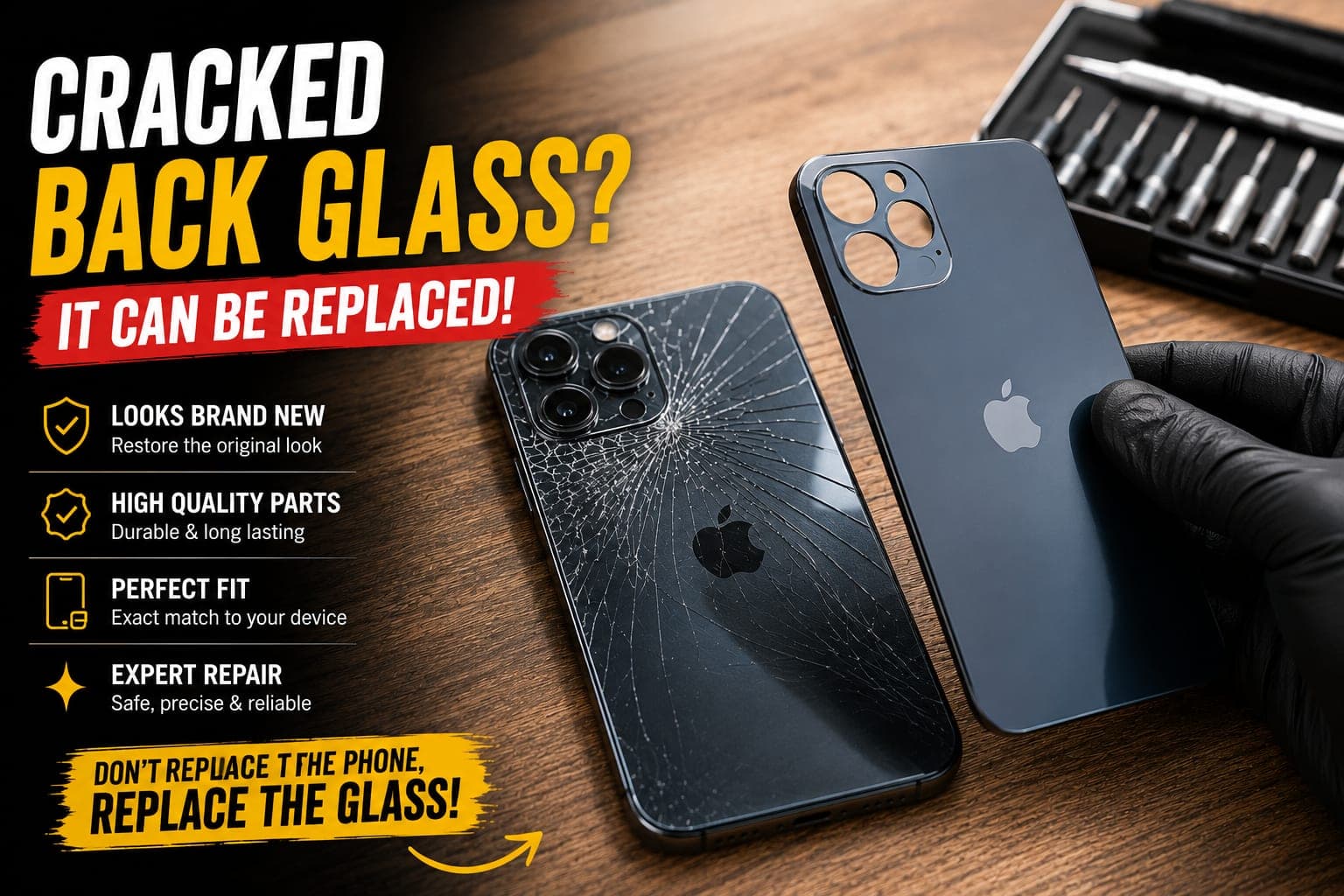
| Cracks or deep scratches in the glass panel on the back | Damage to the back glass | Back glass replacement — the frame and internals stay |
| Scratches on the screen you can feel with a fingernail | Damage to the front glass | Display replacement only if it affects viewing or touch; light hairlines are cosmetic |
| Scratch on a camera lens cover that shows in photos | Damage to the lens cover | Checked by a technician; sometimes the lens cover, sometimes the camera |
Back glass bulging is not a scratch
If the back of your iPhone 17 is lifting or bulging, or the phone rocks on a flat table, the battery may be swelling underneath. Stop charging it and have it checked before booking any cosmetic repair.
Why polishing kits are a bad idea
Online polishing compounds and scratch-remover pens promise to make marks disappear. On coloured aluminium they do the opposite: the colour is a thin anodised layer, and abrasive polish wears through it, leaving a shiny, lighter patch that is more noticeable than the scratch. On the screen, polishing removes the oil-repellent coating and can leave a wavy spot that distorts the display. If a mark is bothering you, the honest options are to live with it, cover it with a case, or replace the part.
Booking the right repair for your model
Each model has its own pages, so pick the one that matches the damage:
- Cracked back panel: iPhone 17 back glass, iPhone 17 Pro back glass, iPhone 17 Pro Max back glass or iPhone Air back glass.
- Chipped or dented body: iPhone 17 Pro housing, iPhone 17 Pro Max housing or iPhone 17 housing.
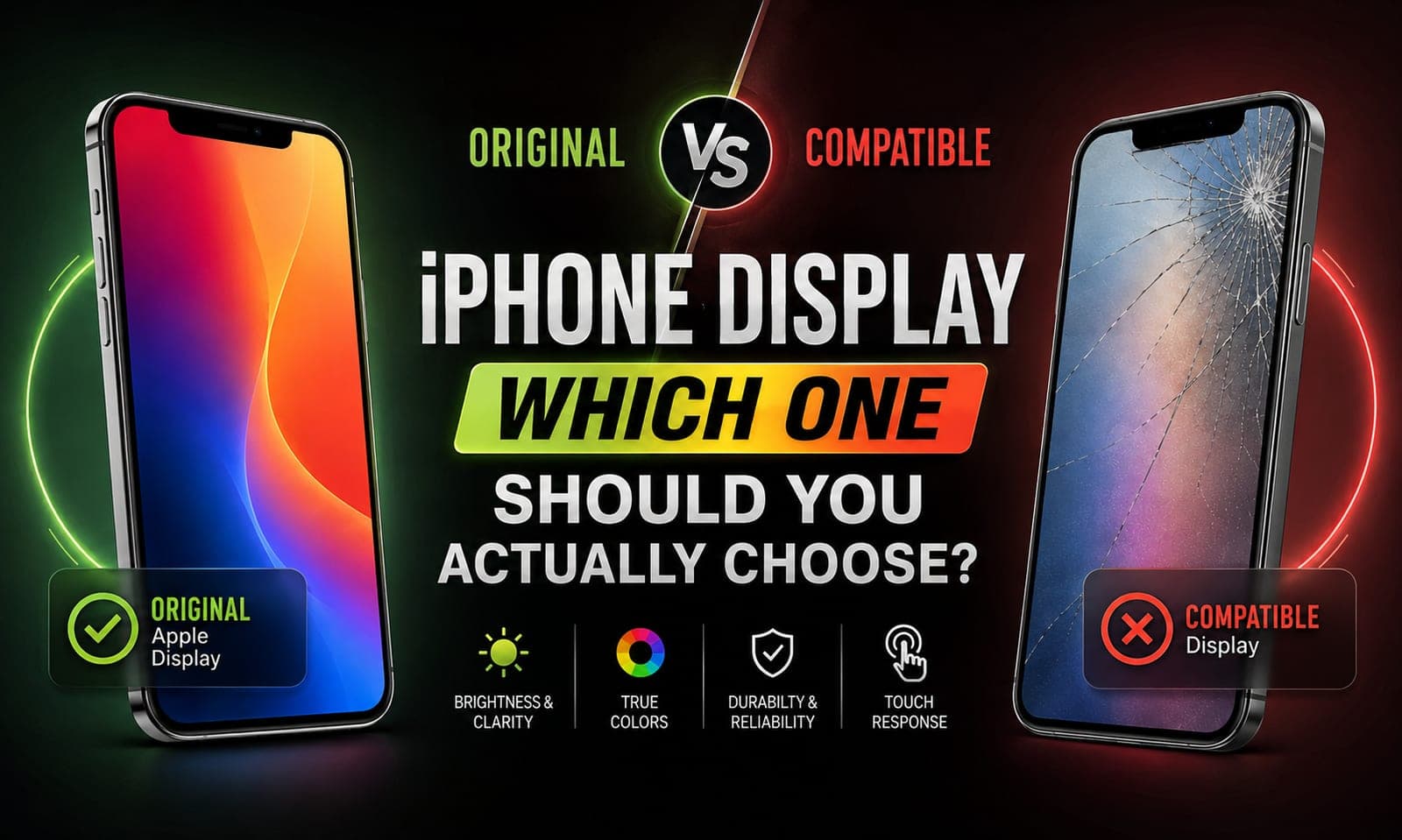
- Scratched or cracked screen: iPhone 17 screen replacement; our guide to original vs compatible iPhone displays explains the choice.
If the back has cracked rather than scratched, our guide on what to do when iPhone back glass cracks covers sharp edges, cases and MagSafe. A back glass or housing job opens the phone, so back it up first; the repair itself does not touch your photos or apps. For everything else the newest iPhones are being brought in for, see common iPhone problems in 2026.
How to keep an iPhone 17 Pro looking new
- Use a case with a raised lip around the camera plateau. The plateau edge is where chips start, and a lip keeps it off the table.
- Keep keys and coins in another pocket. Metal on aluminium is the most common source of scuffs.
- Wipe the back before putting the phone on a stand or charger. Grit trapped between the phone and a MagSafe puck acts like sandpaper.
- Add a screen protector if you work outdoors. Sand is harder than Ceramic Shield 2 and leaves hairline marks on any glass.
Frequently asked questions
Not on the aluminium. The colour is a thin anodised layer, and polishing wears through it, leaving a brighter patch. Marks that are only material from a stand or charger wipe off with a soft, damp cloth. Real chips and scuffs can only be removed by replacing the housing, and deep scratches in the glass back by replacing the back glass.
Book this repair
Pick your model to see what the repair involves and book a technician.
Fixkart Service Team
Certified Repair Technicians
The Fixkart Service Team is a group of background-verified, certified technicians who carry out doorstep phone, laptop, tablet and smartwatch repairs across Bangalore every day. Our guides are written from hands-on workshop experience and reviewed by senior technicians before publishing.