On this page
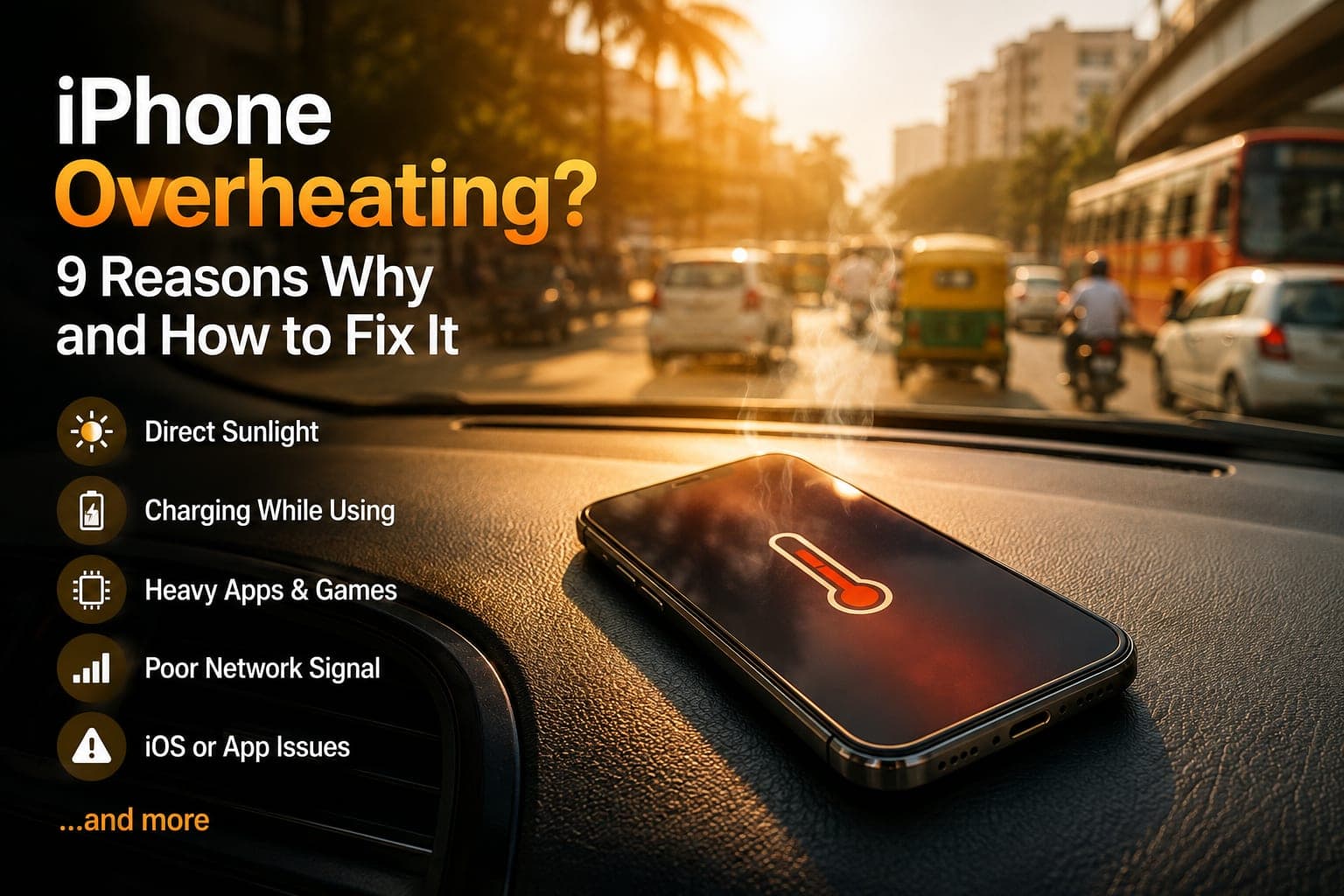
If your iPhone is overheating, the first thing to know is that warm is normal and hot is not. Every iPhone gets warm while it charges, records video or runs a demanding game. It becomes a real problem when the phone is uncomfortable to hold, the screen dims on its own, apps stutter, or iOS puts up its temperature warning. This guide covers what those signals mean, the nine most common reasons an iPhone gets hot with a fix for each, and the few cases where heat points to the battery, the charging port or the board.
What "too hot" actually means on an iPhone
Apple designs the iPhone to run in ambient temperatures between 0° and 35°C, and Bangalore afternoons regularly sit at the top of that range. iOS watches its internal temperature constantly and steps in well before anything is damaged:
- Warm. The back is noticeably warm after 20 minutes of maps, video calls or charging. Nothing to fix — this is normal operation.
- Hot and throttling. iOS quietly protects the phone: the screen dims even at full brightness, the flash is disabled, charging slows or pauses, the mobile signal may weaken, and games or the camera become sluggish. The phone is fine, but it is asking you to stop and let it cool.
- The iPhone temperature warning. A black screen with a thermometer and the message "Temperature: iPhone needs to cool down before you can use it." Only emergency calls work until the phone drops back into its safe range. Move it into shade or air conditioning, take off the case, unplug it and wait.
Good to know
Throttling and dimming are protection, not a fault. A single warning on a hot day does no lasting harm. What ages a battery is repeated, prolonged heat — a phone that hits the warning every week is the one worth looking into.
9 reasons your iPhone is getting hot — and how to fix each one
Work down this list in order. The first few are by far the most common answers to "why is my iPhone hot", and each has a fix you can do yourself in under a minute.
- Direct sun or a car dashboard. A phone on the dashboard running Google Maps through Bangalore traffic sits in a glass box that can pass 50°C — the single most common trigger of the temperature warning. Fix: mount it on an AC vent instead, and never leave it in a parked car.
- Gaming, 4K video and long camera sessions. BGMI, Genshin, 4K 60fps recording and ProRes video drive the chip at full tilt for long stretches. Fix: lower the in-game graphics setting, record at 4K 30fps or 1080p, take the case off, and give the phone a short break every half hour.
- Using the phone hard while it charges. Charging generates heat on its own; gaming or a video call on top of it doubles the load. This is the classic "iPhone overheating while charging" complaint. Fix: let it charge on its own, or use a slower charger when you must keep using it. Charging on a bed or under a pillow traps the heat — always charge on a hard, open surface.
- Uncertified chargers and cables. An unbranded charger with the wrong voltage curve, or a frayed cable with damaged pins, makes the charging circuit work harder and run hotter, and slowly damages the battery. Fix: use an Apple or MFi-certified charger and cable. If the phone only gets hot with one specific charger, that charger is the problem. If it runs hot with every charger, see the hardware section below.
- A background app gone wrong. A single app stuck in a loop can pin the processor at 100% while the screen is off. Fix: open Settings > Battery and find the app with unusually high background activity in the last 24 hours. Force-close it, update it, or delete and reinstall it. A restart clears most stuck processes.
- A new iOS update or a restore from backup. For about a day after a major iOS update, or after setting up a new iPhone from an iCloud backup, the phone re-indexes photos, mail and Spotlight and downloads apps in the background. It runs warm and drains fast — then it settles. Fix: leave it on Wi-Fi and charging overnight, and judge it again after 24–48 hours.
- Poor signal and 5G hunting. In a basement office or a flat with weak coverage, the modem boosts its power and keeps switching between 5G, 4G and Wi-Fi, which warms the phone even when idle. Fix: turn on Wi-Fi Calling, and in Settings > Mobile Data > Mobile Data Options > Voice & Data switch from 5G On to 5G Auto where 5G is patchy.
- A thick or rubber case. Silicone, rugged and wallet cases insulate the phone, and combined with any cause above they push a warm phone into a hot one. Fix: take the case off while gaming, charging or navigating, and switch to a thinner case if that makes a clear difference.
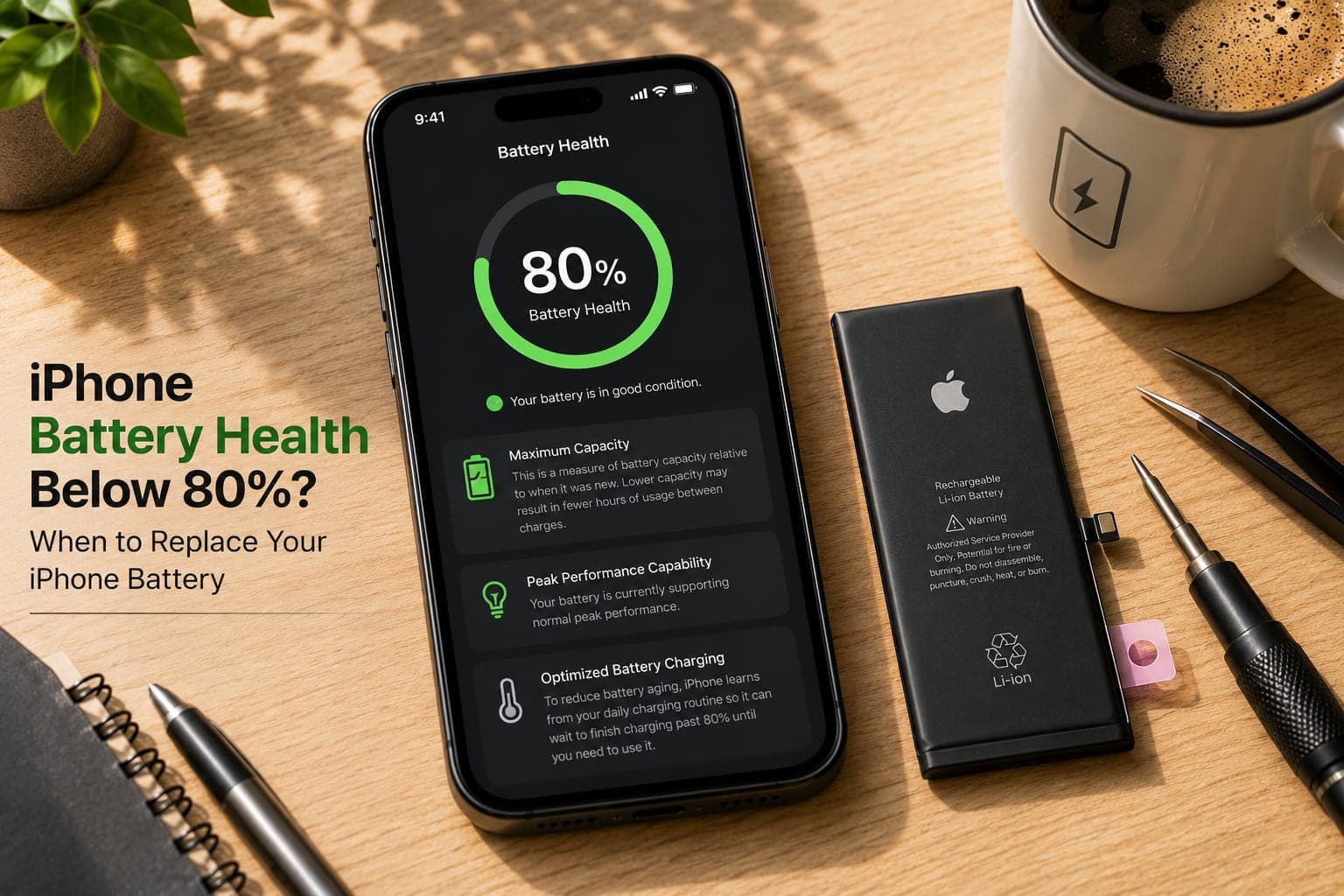
- A worn or damaged battery. As a lithium battery ages, its internal resistance rises and more of its energy turns into heat instead of runtime. A dropped, swollen or moisture-exposed battery does the same, faster. Fix: check Settings > Battery > Battery Health & Charging. If Maximum Capacity is well under 80%, or the phone runs hot and dies early at the same time, the battery is the cause — see our battery health guide, and Fixkart handles iPhone battery replacement at your doorstep for most models.
iPhone 15 Pro and 16 Pro overheating: what is normal
"iPhone 15 Pro overheating" was one of the most-searched phone complaints at launch: the titanium frame conducts heat to your hand more readily than steel, and early iOS 17 builds had app bugs that kept the A17 Pro chip busy. Apple fixed the software side largely through updates within weeks, and the 16 Pro's redesigned internals spread heat more evenly. Today, a 15 Pro or 16 Pro that gets warm while gaming, recording 4K or restoring from backup is behaving normally. One that gets hot during light use — WhatsApp, browsing, music — on current iOS, or shows the temperature warning without an obvious trigger, usually has a battery issue rather than a design issue. See the doorstep iPhone 15 Pro Max battery replacement and iPhone 16 Pro Max battery replacement pages.
iPhone heating after an update (iOS 26 and iOS 27)
A phone that runs warm the day after a big update — iOS 27 arrived in September 2026 — is usually doing exactly what Apple describes: finishing update tasks in the background. Apple's battery guidance says those tasks can affect battery life for a while and advises waiting a few days before judging. On iOS 18 and later you can see it happening: Settings > Battery shows an Ongoing iOS Update insight until the work is done.
- Give it two or three nights on Wi-Fi and charging, on a hard surface with the case off, so the work finishes while you are not using the phone.
- Update your apps too. An app that has not caught up with the new iOS is a common cause of heat that outlasts the update itself.
- Restart once after the insight disappears, then judge it over a normal day.
- Still hot during light use a week later? That is no longer the update. Check Battery Health and the charging habits below, then book a check.
iPhone 18 Pro and 18 Pro Max: warm in the first week?
The iPhone 18 Pro and 18 Pro Max went on sale in India on 18 September 2026, and searches for an "iPhone 18 Pro heating issue" followed, as they do with every new Pro. Apple fitted these models with its next-generation vapour chamber to spread heat. As of mid-October 2026 we have not seen credible evidence of a design fault behind the reports. A new phone restoring from a backup, downloading apps and indexing photos on a brand-new iOS will run warm for its first few days; the same thing happened with the iPhone 15 Pro in 2023, when Apple traced the heat to setup activity, an iOS bug and a few apps, and fixed it with updates. A brand-new 18 Pro that stays hot during light use after its first week is still under Apple's warranty, so that is Apple's to look at first.
Phone overheating while charging: check the port
If the heat appears only while charging, and only at the bottom edge, look at the charging port (many people call it the charging patta) before blaming the battery. Lint packed into the port, a bent pin or green corrosion after a wet day makes the contacts work harder and warm up. Shine a torch into it: if you see fluff or a crust, do not dig at it with a pin. A technician can clean it, or replace the port if the pins are damaged — the iPhone 15 charging port and iPhone 13 charging port pages show how the job is booked.
When overheating means a hardware problem
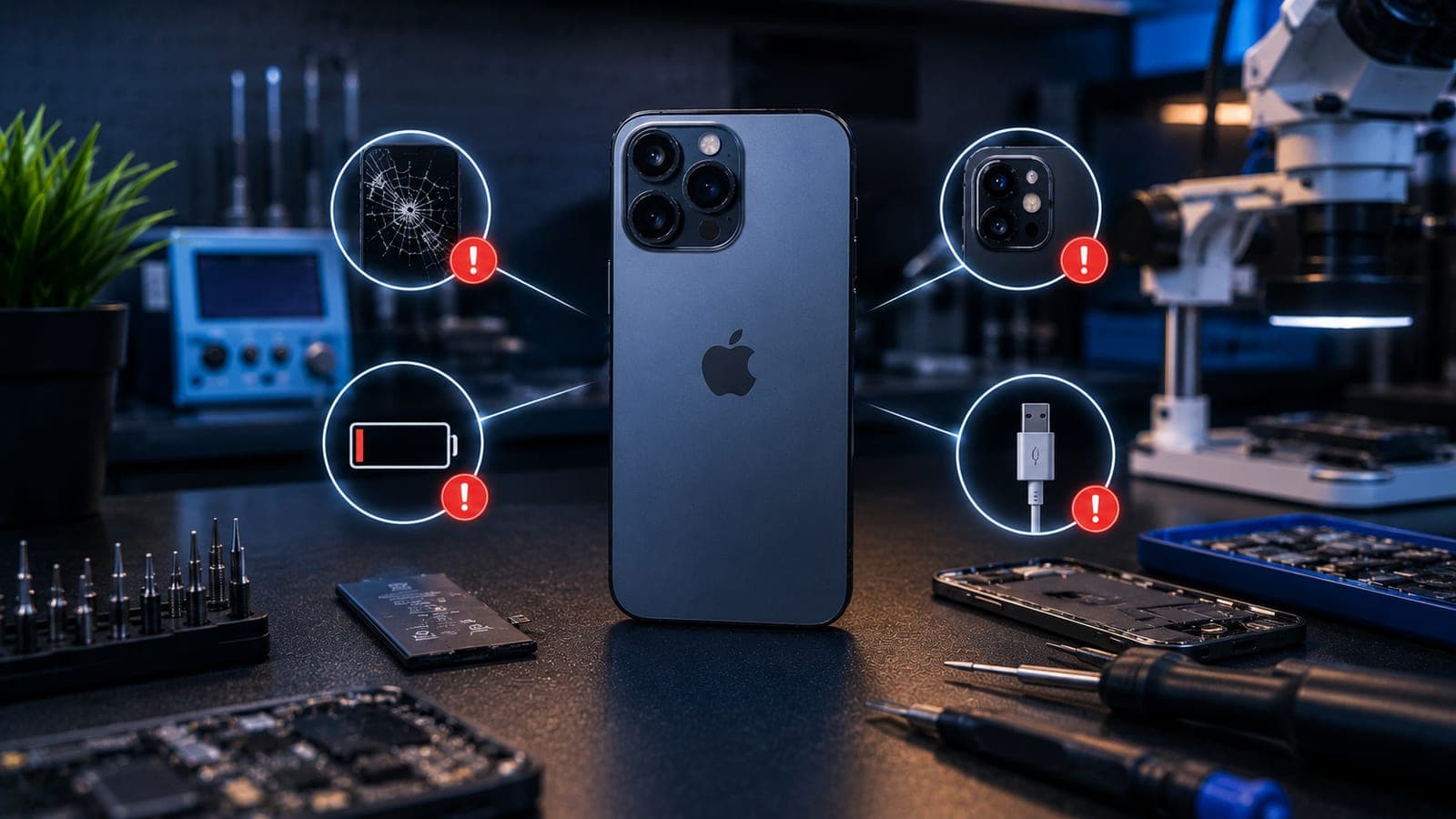
Settings and habits fix the majority of hot iPhones. But three patterns mean the heat is coming from a component, and no amount of Low Power Mode will change that:
- The battery is swelling. The screen lifts at one edge, the back glass bulges, or the phone no longer sits flat on a table. A swollen battery runs hot, is unsafe to keep charging, and needs to come out. Stop charging it and book a battery replacement.
- Hot near the charging port. Heat concentrated at the bottom edge, especially while charging, means the Lightning or USB-C port has damaged pins, corrosion or lint bridging contacts, or the charging IC is drawing more current than it should. A charging port repair resolves this; do not keep forcing a charger into it.
- Hot after water exposure. A phone that got wet and then started running warm is almost always corroding inside — the heat is a short forming on the board, and it worsens daily. Switch it off, read our guide on what to do after water damage, and book a water-damage inspection as early as you can.
Important
Never puncture, press on, or continue charging a swollen iPhone battery. Keep the phone away from anything flammable, do not put it in a fridge or freezer to cool it, and have the battery replaced by a technician.
What a doorstep diagnosis involves
Booking with Fixkart is simple: tell us your iPhone model and what is happening, and a technician comes to your home or office at a time you choose. For an overheating complaint, the technician reads your Battery Health and cycle count, checks the battery for swelling, inspects the charging port under magnification for bent pins, lint or corrosion, and measures the current drawn while charging. If those are clean, they look for moisture or a shorted component on the board. You get a clear explanation of the cause before any work starts. Most battery and charging port replacements are completed in front of you in a single visit, every repair is covered by the Fixkart warranty, and you can track your repair from booking to completion.
Doorstep and pickup iPhone repair across Bangalore
Fixkart handles iPhone repair in Bangalore — battery, charging port and water-damage work included — across Koramangala, Indiranagar, Whitefield, HSR Layout and Electronic City. For most battery and charging repairs a trained technician brings the parts to your home or office and works in front of you; water-damage and board work is collected and brought back. Every repair carries the Fixkart warranty. See all the areas we cover in Bangalore or get in touch to book a slot.
Tip
Before booking, spend one day with the case off, Background App Refresh off and the phone charging on a hard surface out of the sun. If it stays cool, the cause was habit. If it still runs hot, the technician can go straight to the battery and port.
How to keep your iPhone cool in Bangalore
Bangalore's climate is kinder to phones than most Indian cities, but March to May afternoons and a phone on the dashboard through Silk Board still add up. A few habits keep the phone cool and the battery healthy for longer:
- Keep it out of direct sun — pocket, bag or AC vent mount, never the dashboard or a bike holder in afternoon sun.
- Charge on a hard, open surface with a certified charger, and avoid heavy use while it fast-charges.
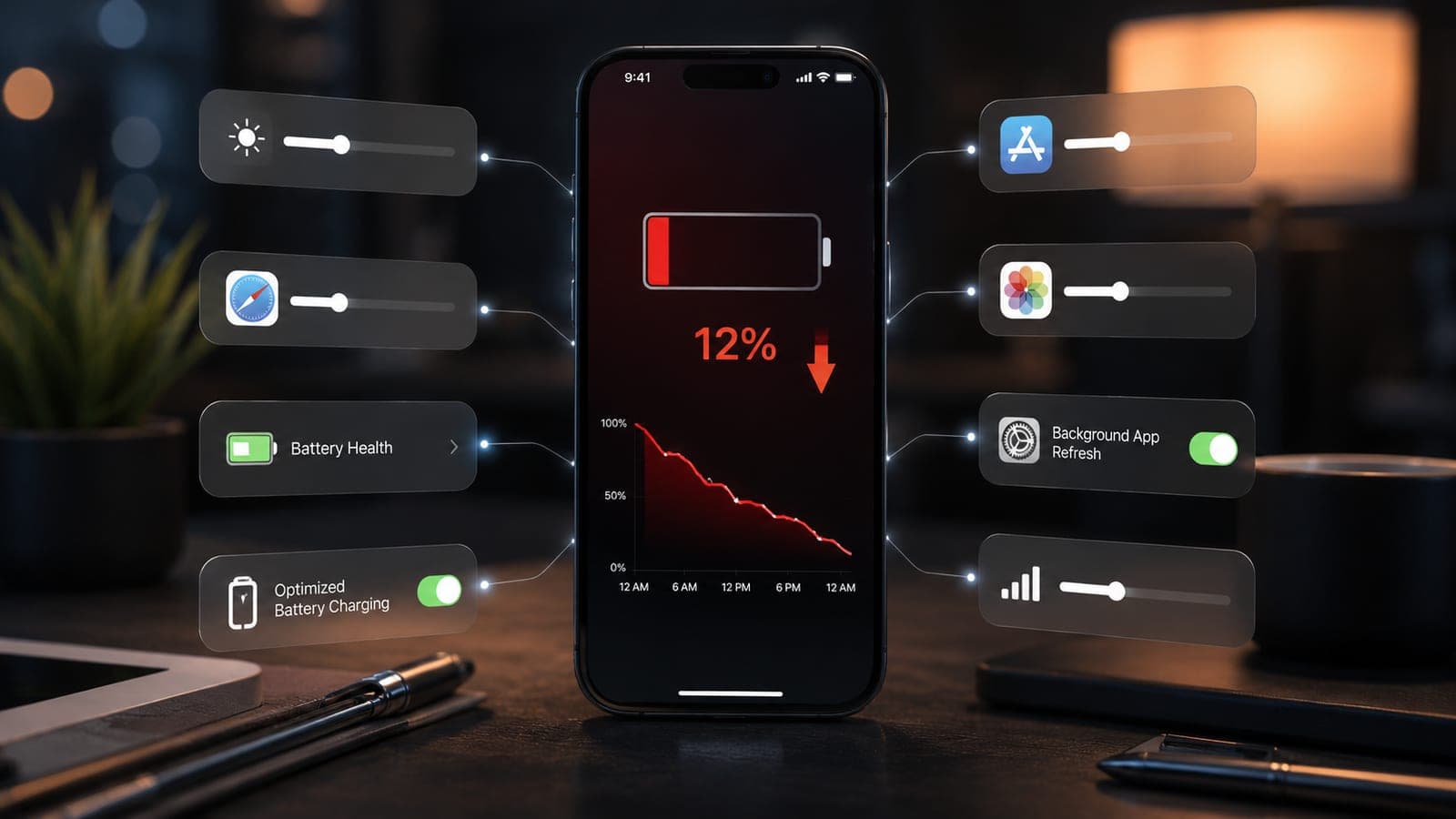
- Turn on Optimised Battery Charging in Settings > Battery > Battery Health & Charging so overnight charging holds at 80% and finishes just before you wake.
- Trim the background load — Background App Refresh off, Location Services only for apps that need it, Low Power Mode on long days out.
- Set 5G to Auto where coverage is patchy, and give the phone a day to settle after an iOS update.
- Watch Battery Health once a month. When it slips well under 80% and the phone runs warm during light use, a new battery fixes heat and drain at the same time. Our guide to iPhone battery draining fast covers the runtime side, and if heat is one of several issues, see common iPhone problems in 2026.
Frequently asked questions
The most common causes are direct sun or a car dashboard, heavy gaming or 4K video, using the phone hard while it charges, an uncertified charger, a background app stuck in a loop, or a day of indexing after an iOS update or restore. If none of those apply and the phone gets hot during light use, a worn battery, a damaged charging port or moisture on the board is usually the cause.
Book this repair
Pick your model to see what the repair involves and book a technician.
Fixkart Service Team
Certified Repair Technicians
The Fixkart Service Team is a group of background-verified, certified technicians who carry out doorstep phone, laptop, tablet and smartwatch repairs across Bangalore every day. Our guides are written from hands-on workshop experience and reviewed by senior technicians before publishing.